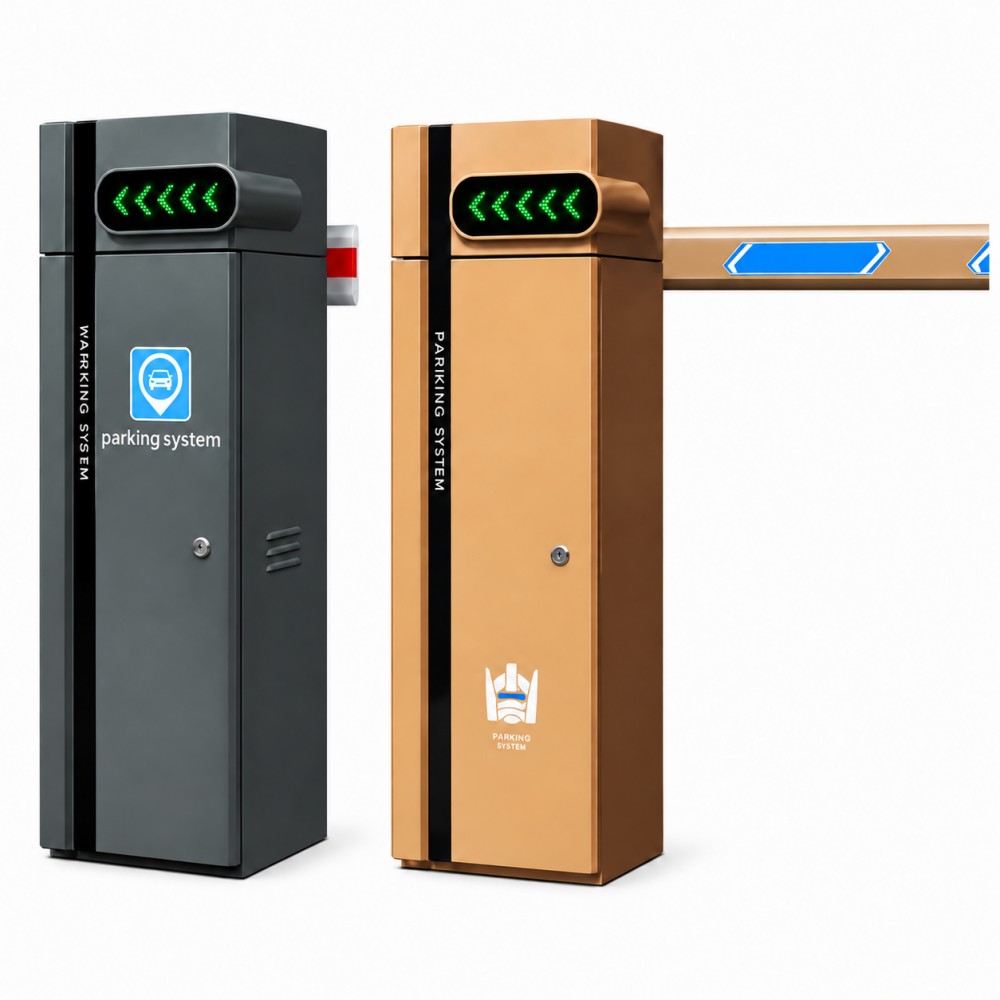
Automatic Boom Barrier Gates
Compare boom-arm formats and operating platforms for controlled vehicle entrances, then confirm the lane geometry, traffic profile and safety devices for the project.
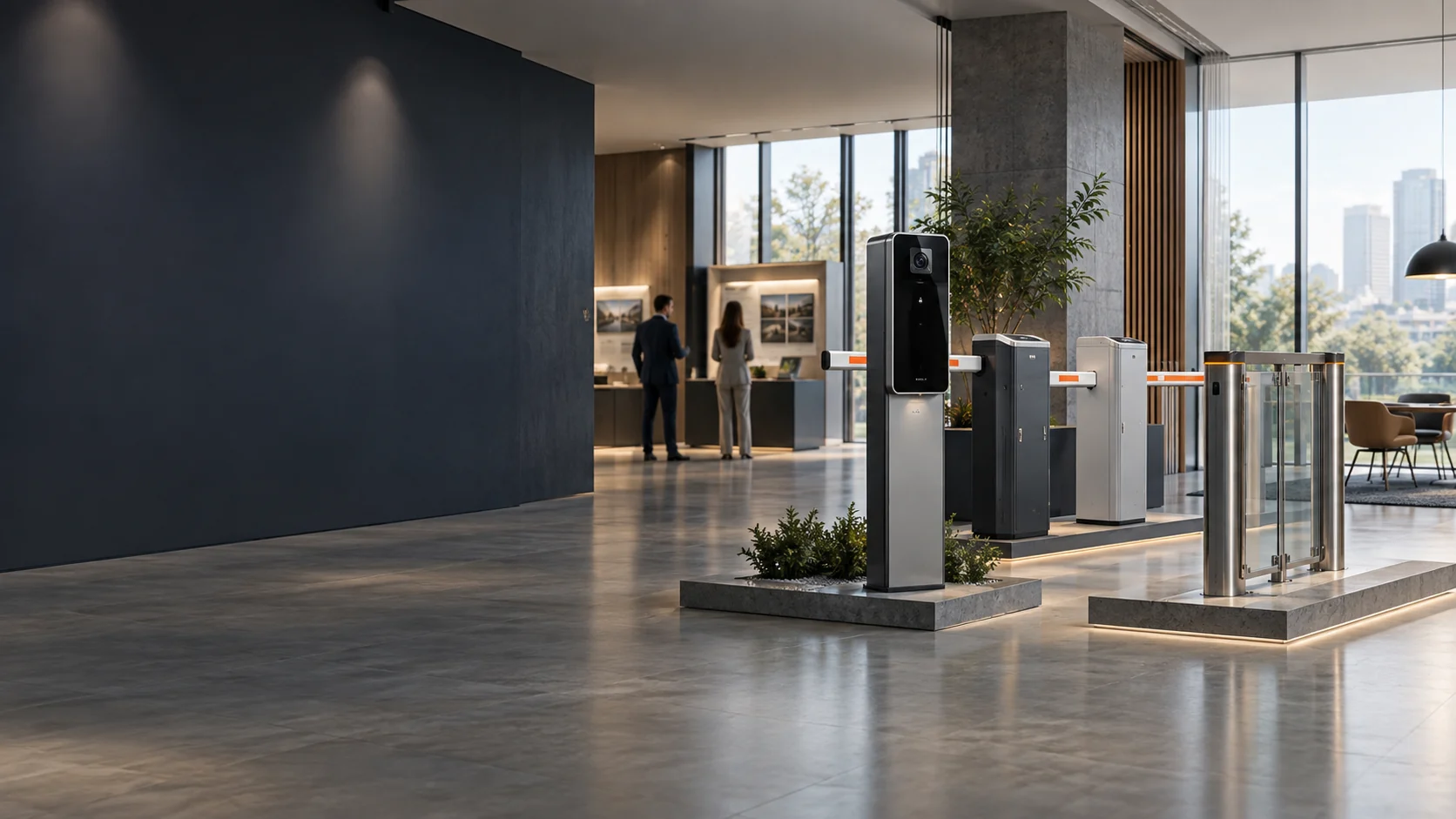
Product portfolio
Explore six product lines for vehicle parking, pedestrian access and project-based entrance control, supported by practical product selection and project configuration services.
Products and project support
We supply automatic boom barriers, parking system equipment, parking guidance, pedestrian access products, two-wheeler access control and parking management software. From individual equipment to coordinated entrance solutions, our team helps you select products for car parks, residential communities, commercial buildings and managed sites. Share your lane layout and access requirements to discuss a suitable configuration.
Main product series
Explore equipment for vehicle entrances, pedestrian lanes and parking operations. Compare each product family to find the right starting point for your project.
Compare boom-arm formats and operating platforms for controlled vehicle entrances, then confirm the lane geometry, traffic profile and safety devices for the project.
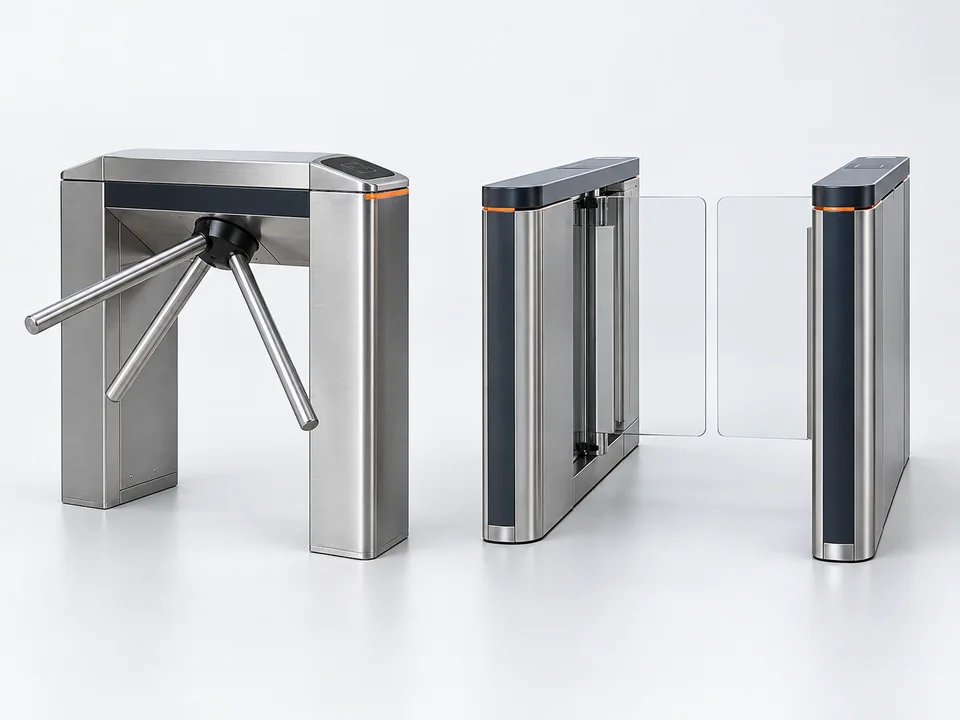
Compare pedestrian-lane formats by site security, lane width, user flow, accessibility and emergency-release requirements. Customized base on your projects.
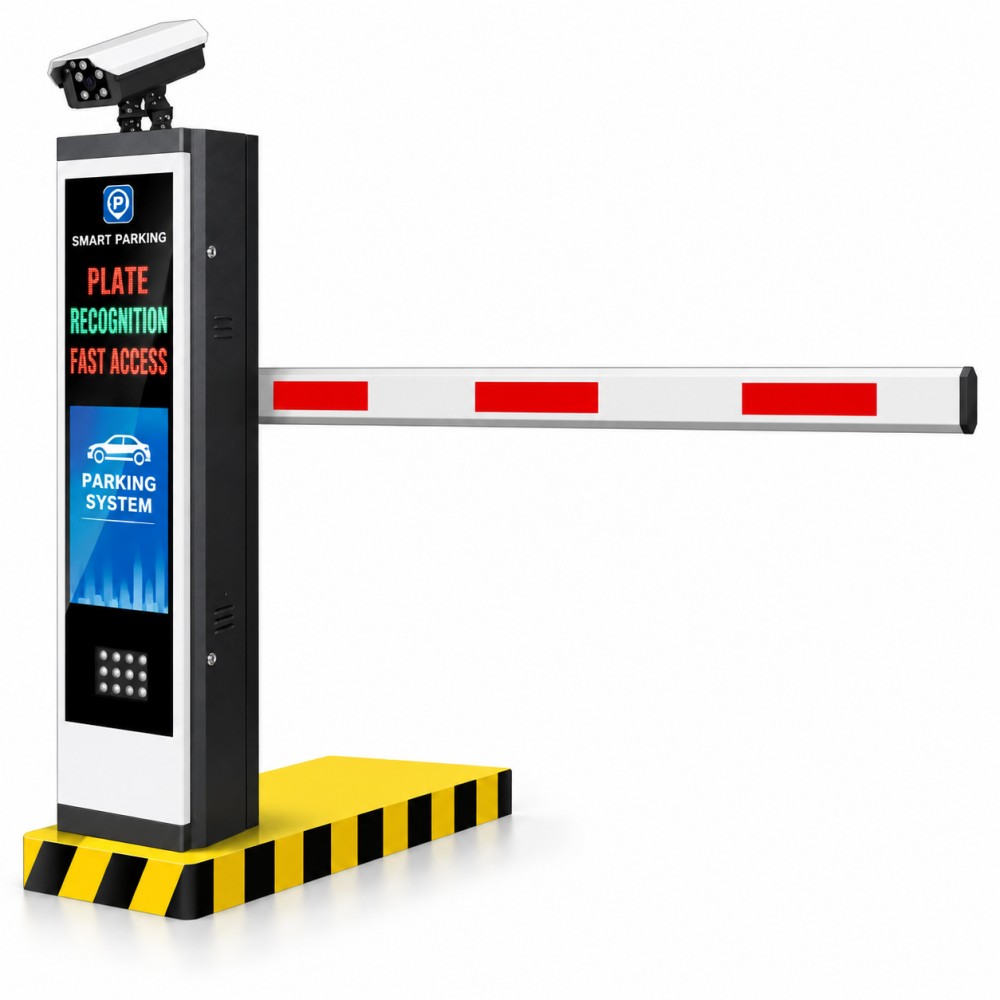
Select the identification, entry, exit and payment equipment needed for the parking workflow without duplicating complete-system solution content.
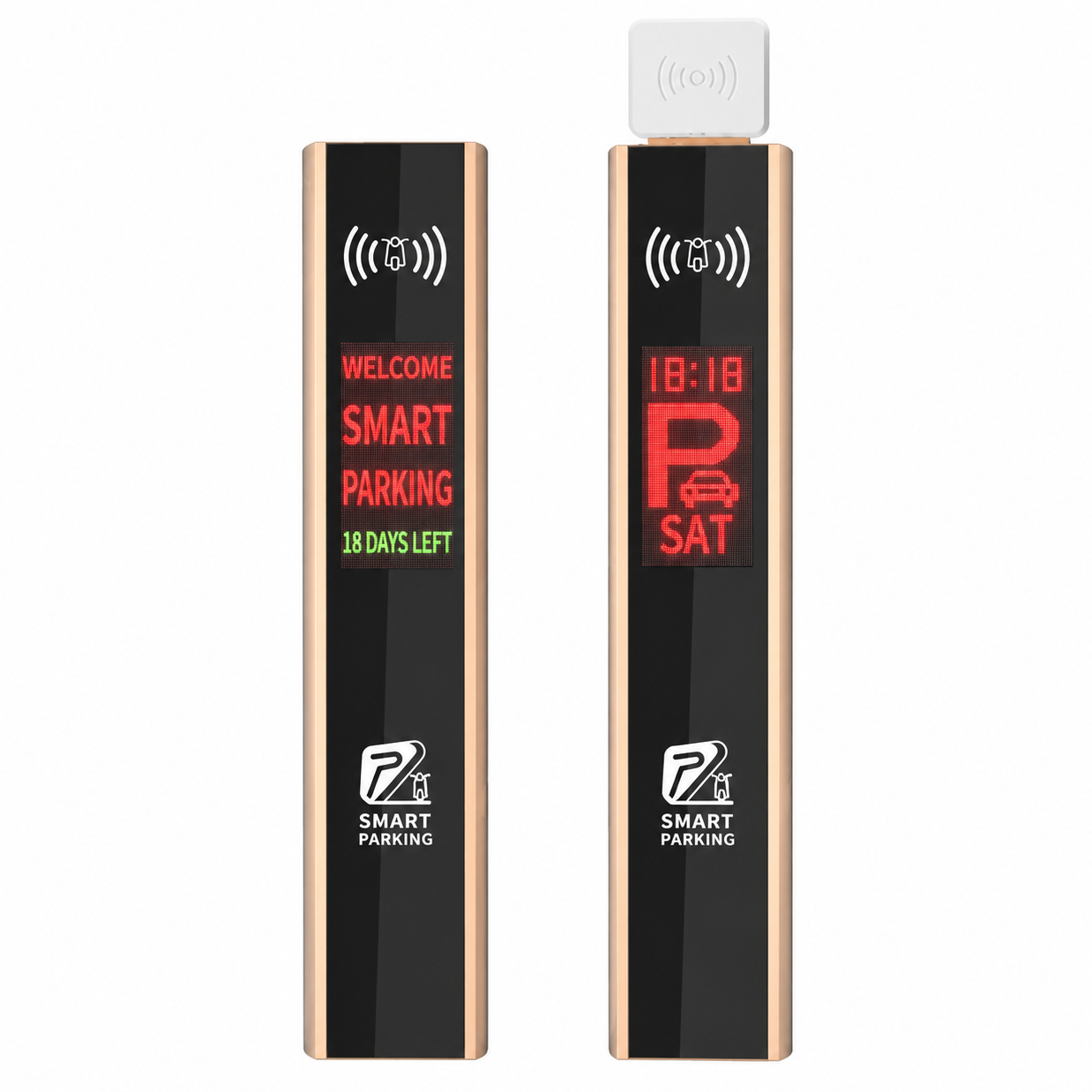
Organise motorcycle and e-bike identification around the lane layout, registered users and the required reader or tag workflow.
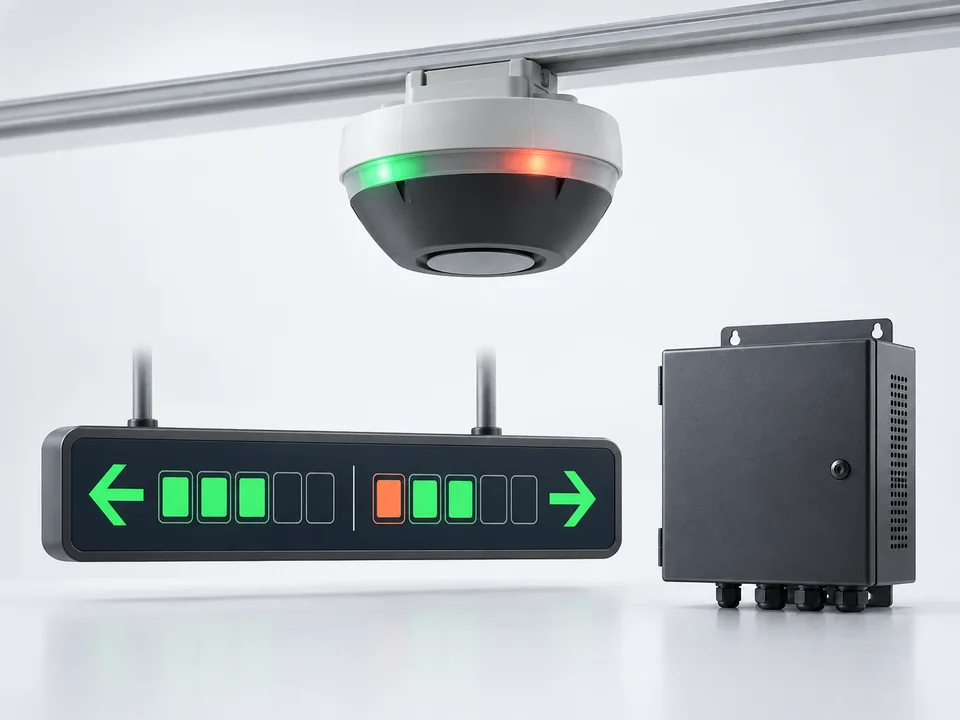
Plan space detection, availability indication and central guidance around the parking layout and verified project requirements. We provide the whole solution.
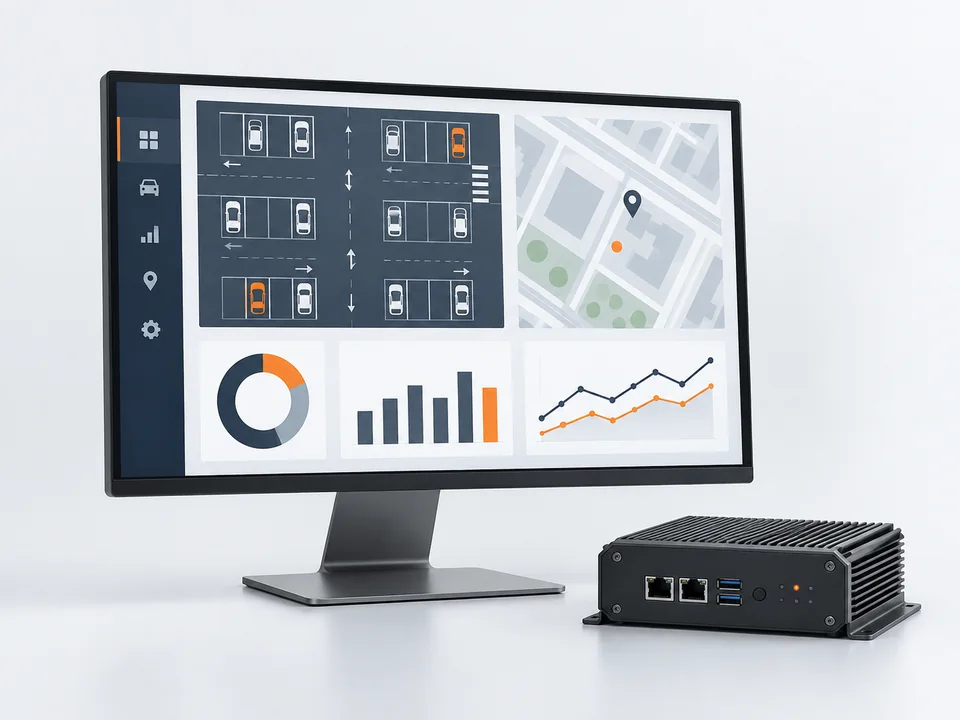
Define the required users, events, permissions, operator workflow and reporting before confirming the software scope.
Project consultation
Share the product, lane and application requirements for a focused product review.
Vehicle entrance control
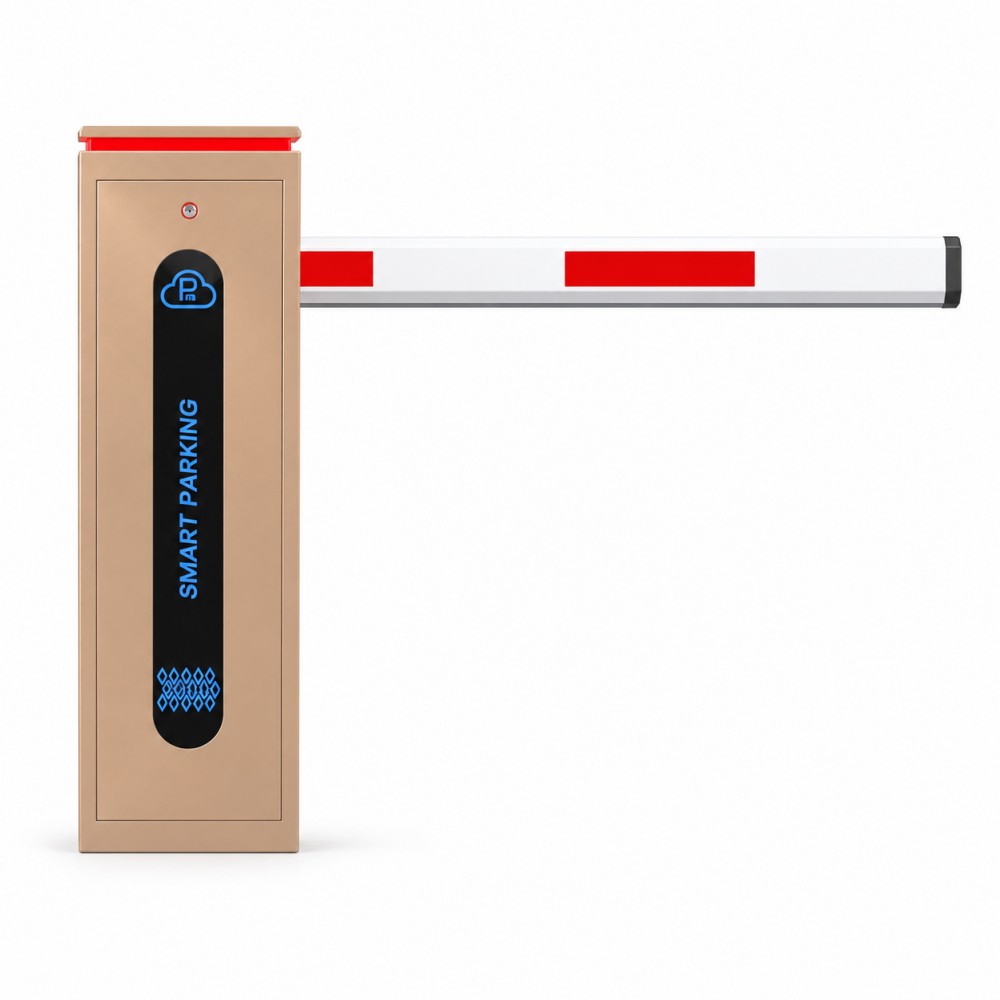
Compare boom-arm formats and operating platforms for controlled vehicle entrances, then confirm the lane geometry, traffic profile and safety devices for the project.
Product type
Straight-boom configurations for conventional vehicle lanes with clear overhead space.
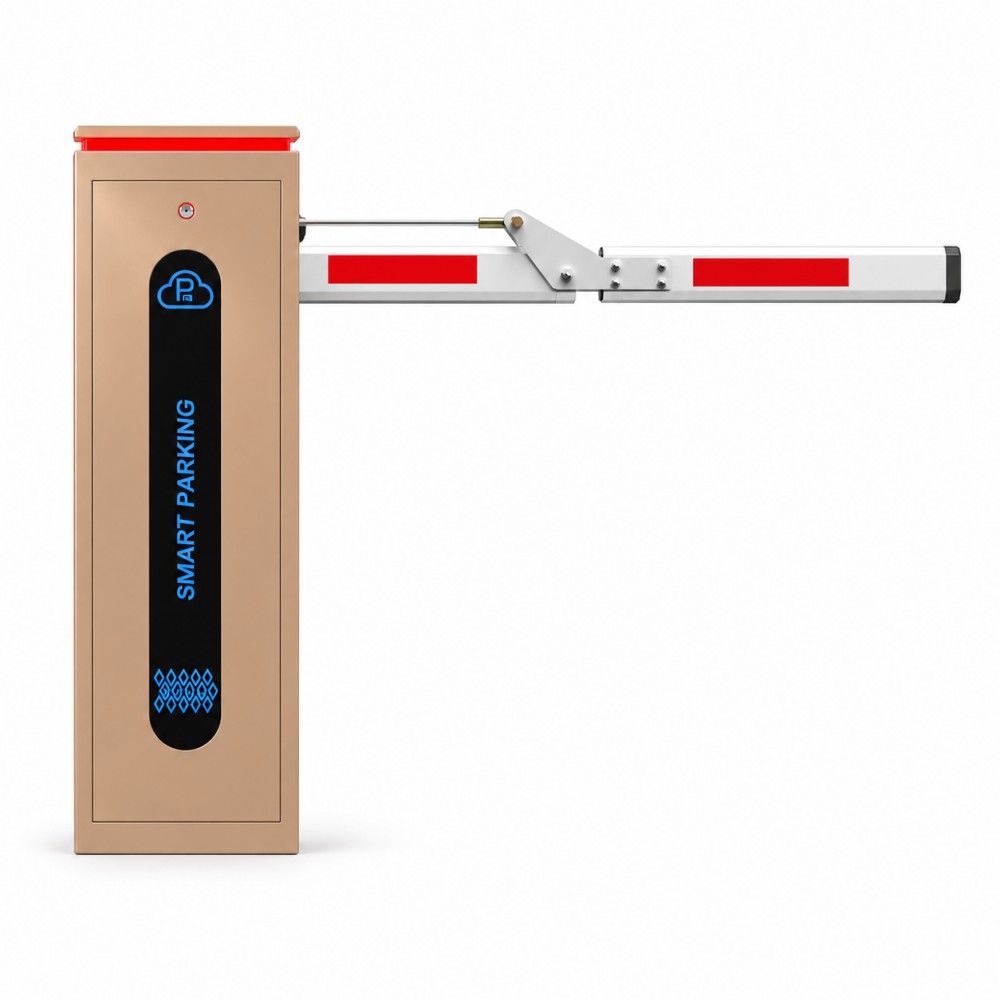
Product type
Folding-boom configurations for entrances with restricted ceiling or overhead clearance.
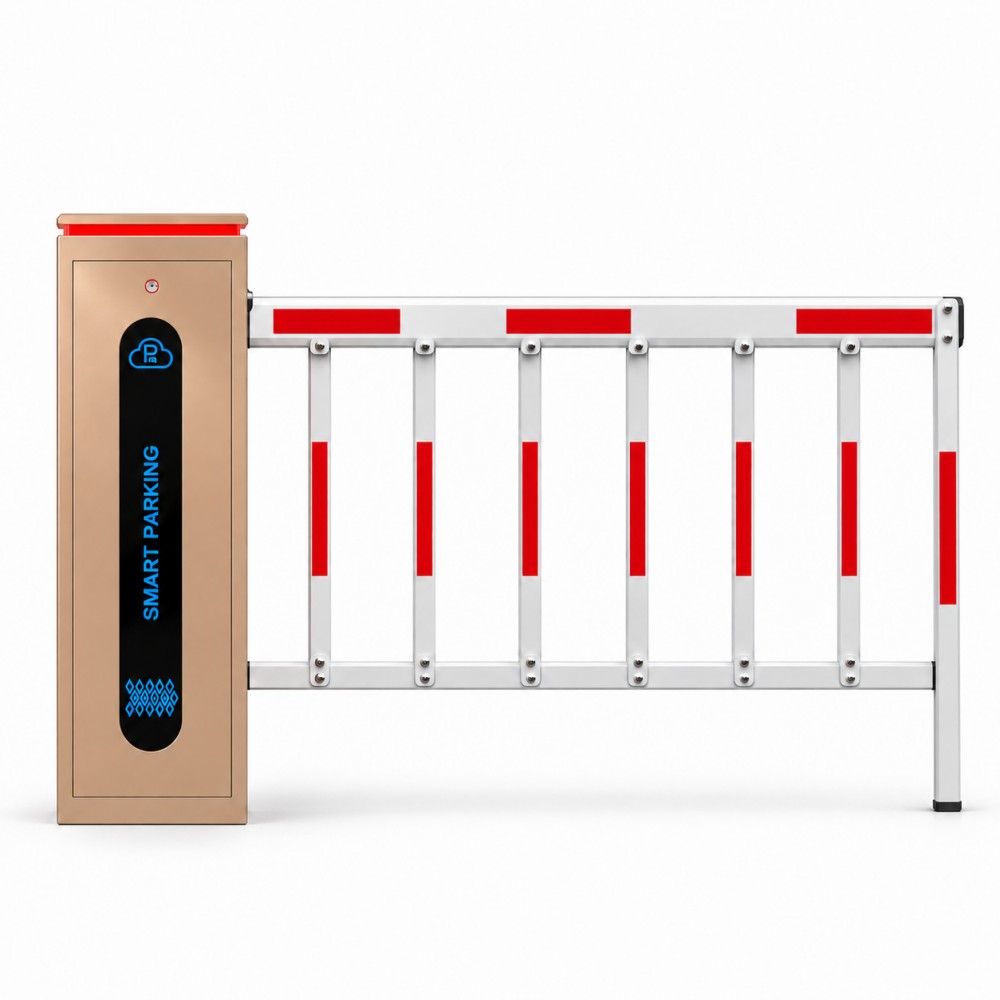
Product type
Fence-arm configurations for entrances that require a more visible physical lane boundary.
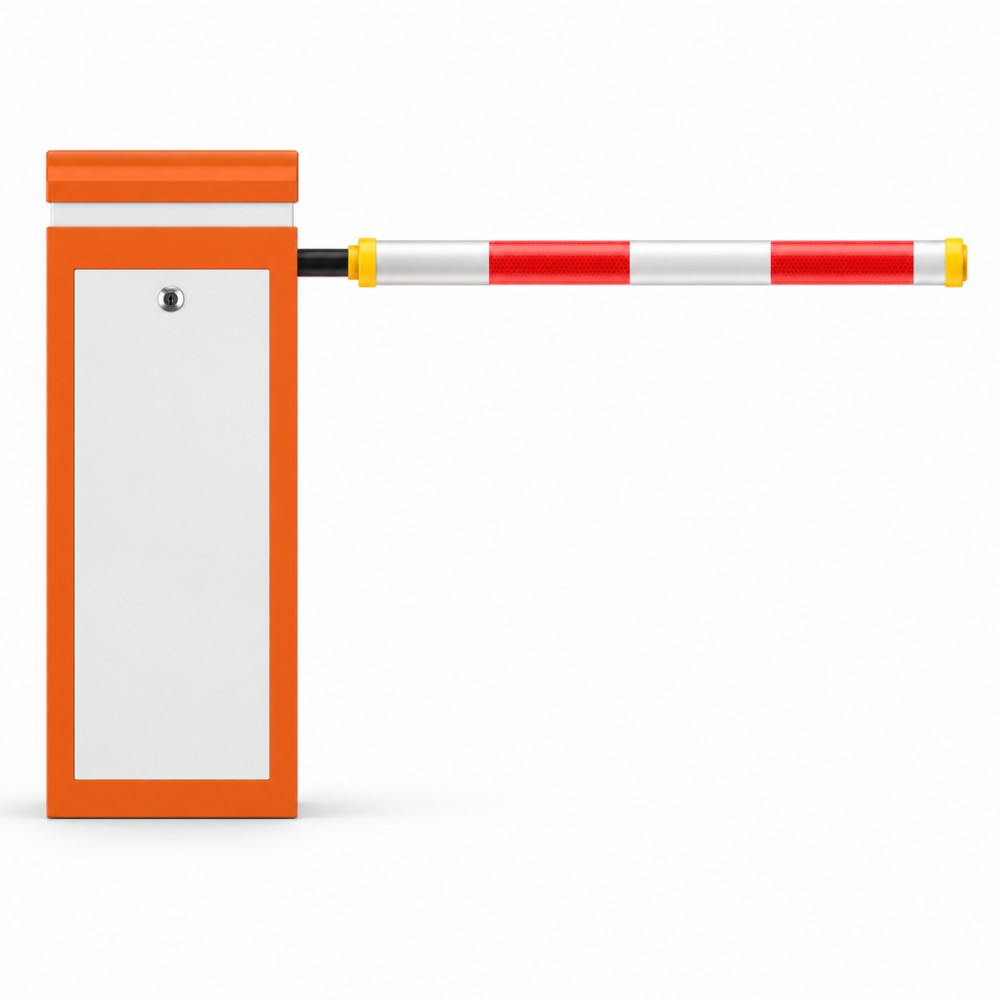
Product type
Fast-opening barrier platforms for short, controlled lanes where clearance time is a key selection factor.
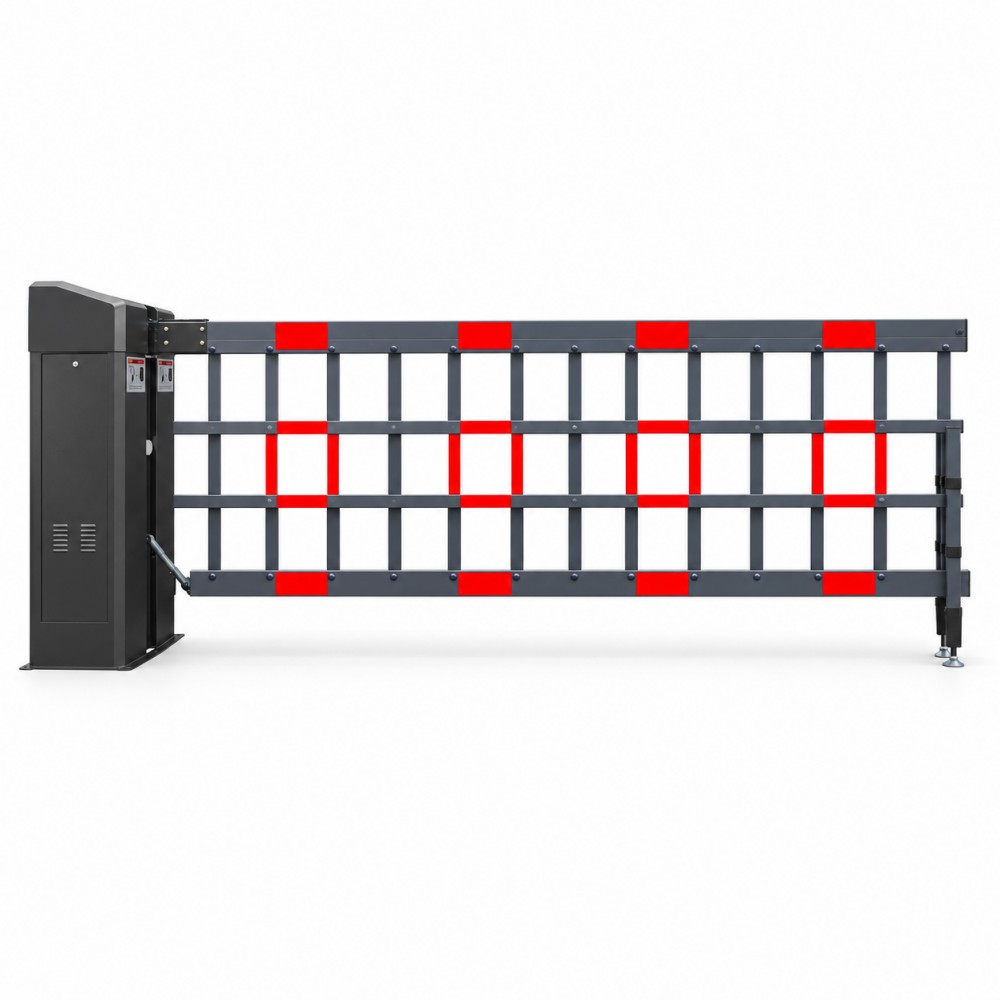
Product type
Robust barrier configurations selected around boom length, lane conditions and operating duty.
Product type
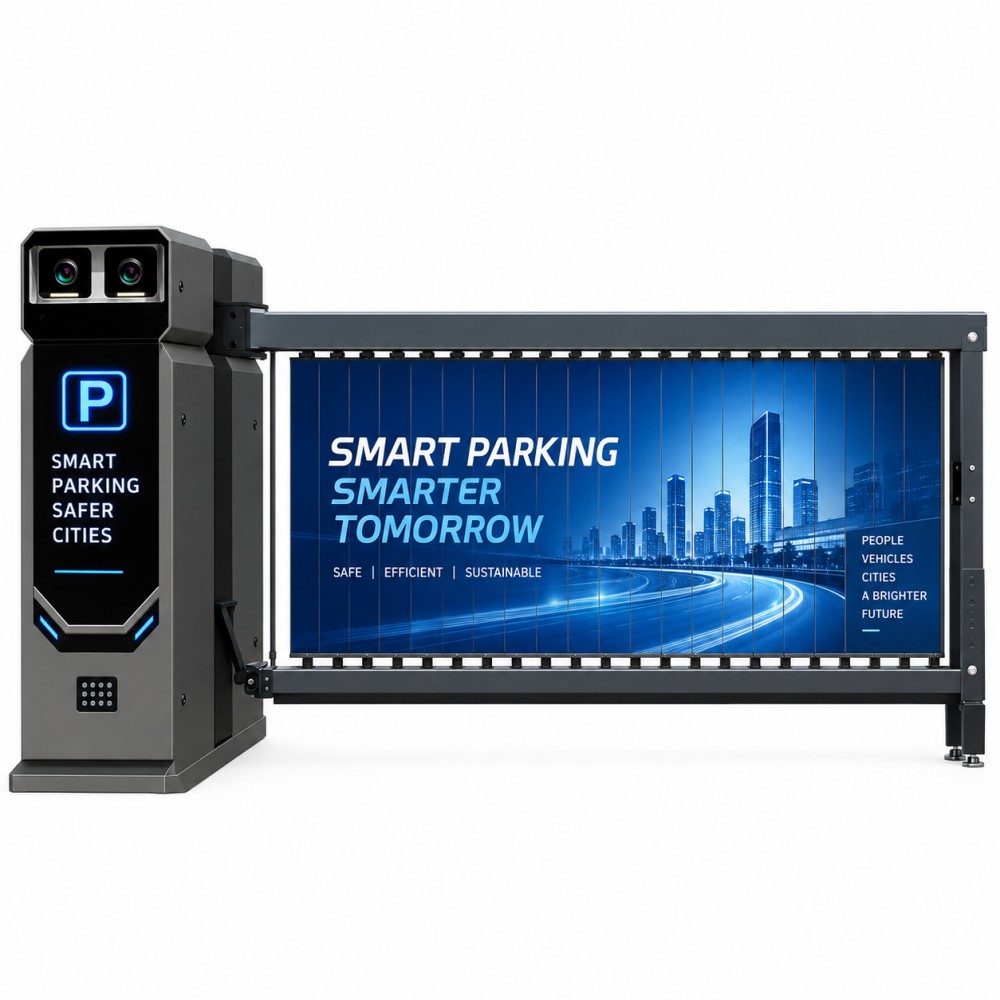
Drop-arm and advertising-panel formats for controlled entrances that also need a visible display surface.
Pedestrian entrance control
Compare pedestrian-lane formats by site security, lane width, user flow, accessibility and emergency-release requirements.
Product type
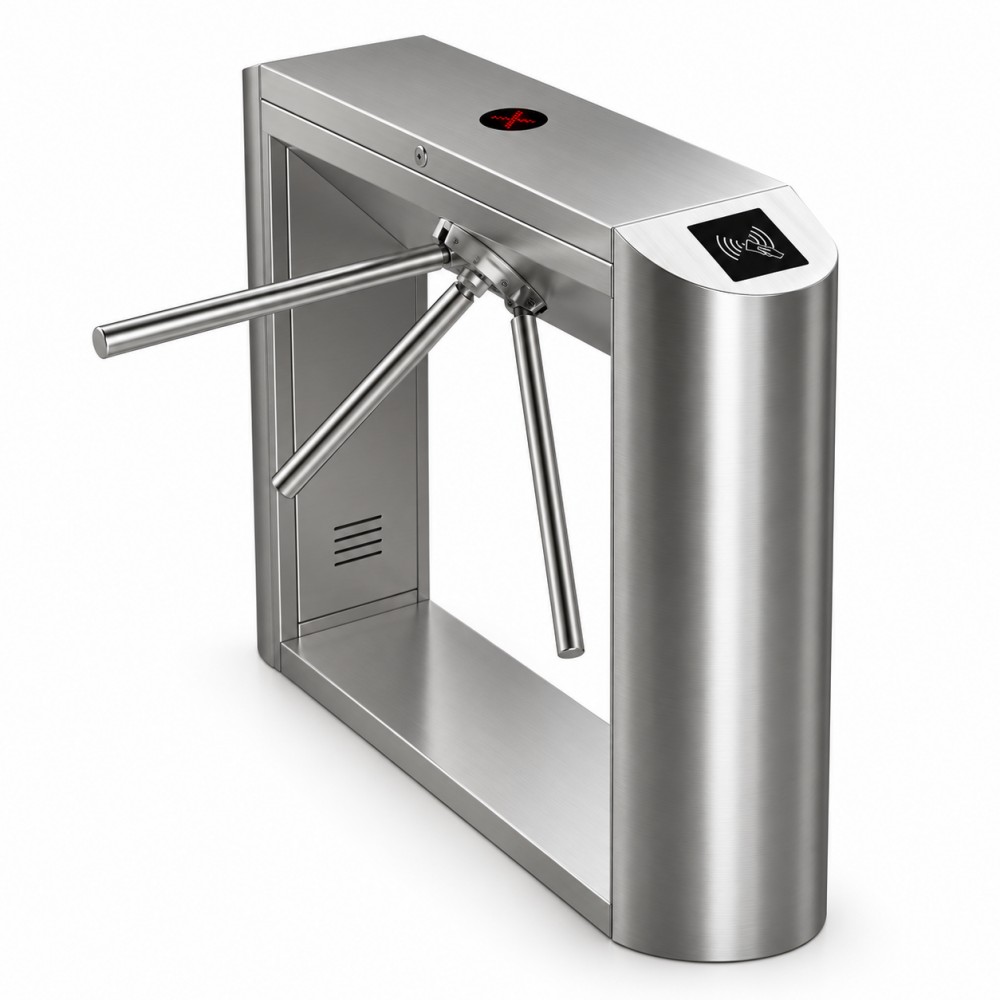
Compact controlled-entry turnstiles for supervised and credential-based pedestrian access.
Product type
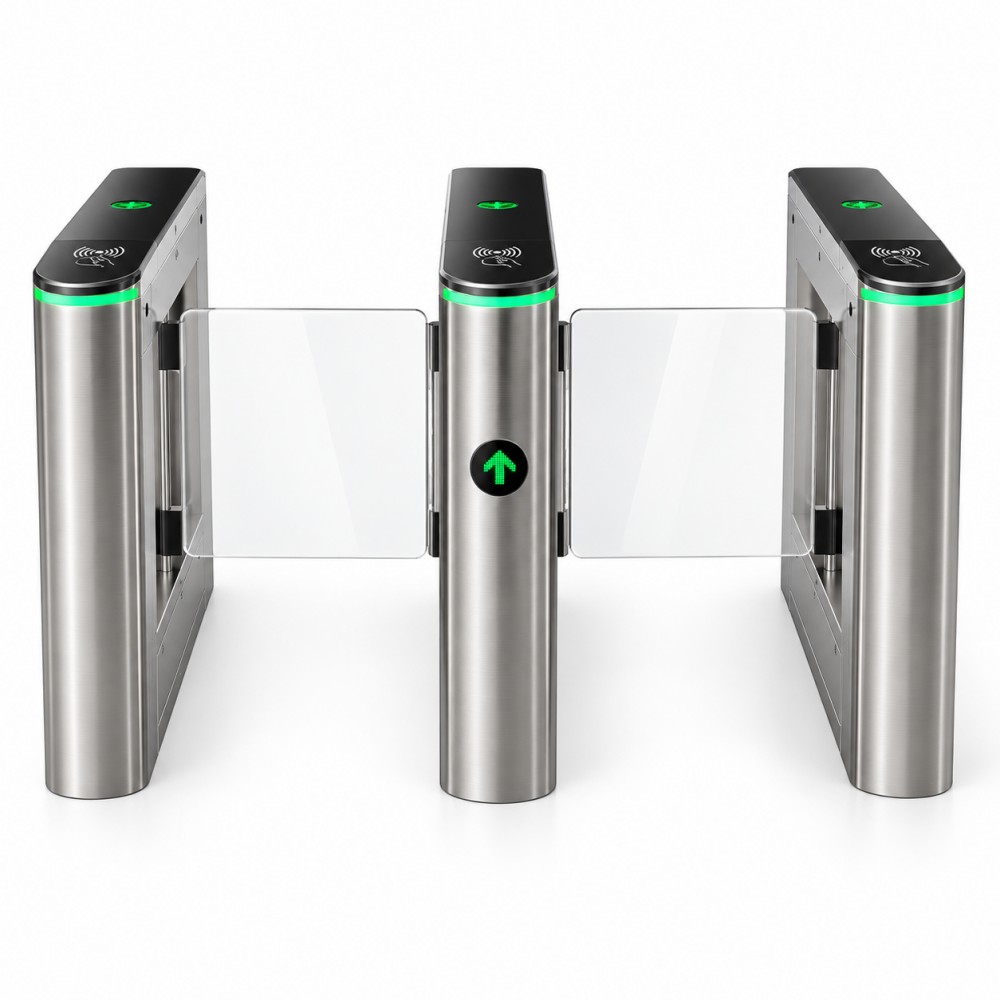
Swing-panel pedestrian gates reviewed around lane width, user type and accessibility needs.
Product type
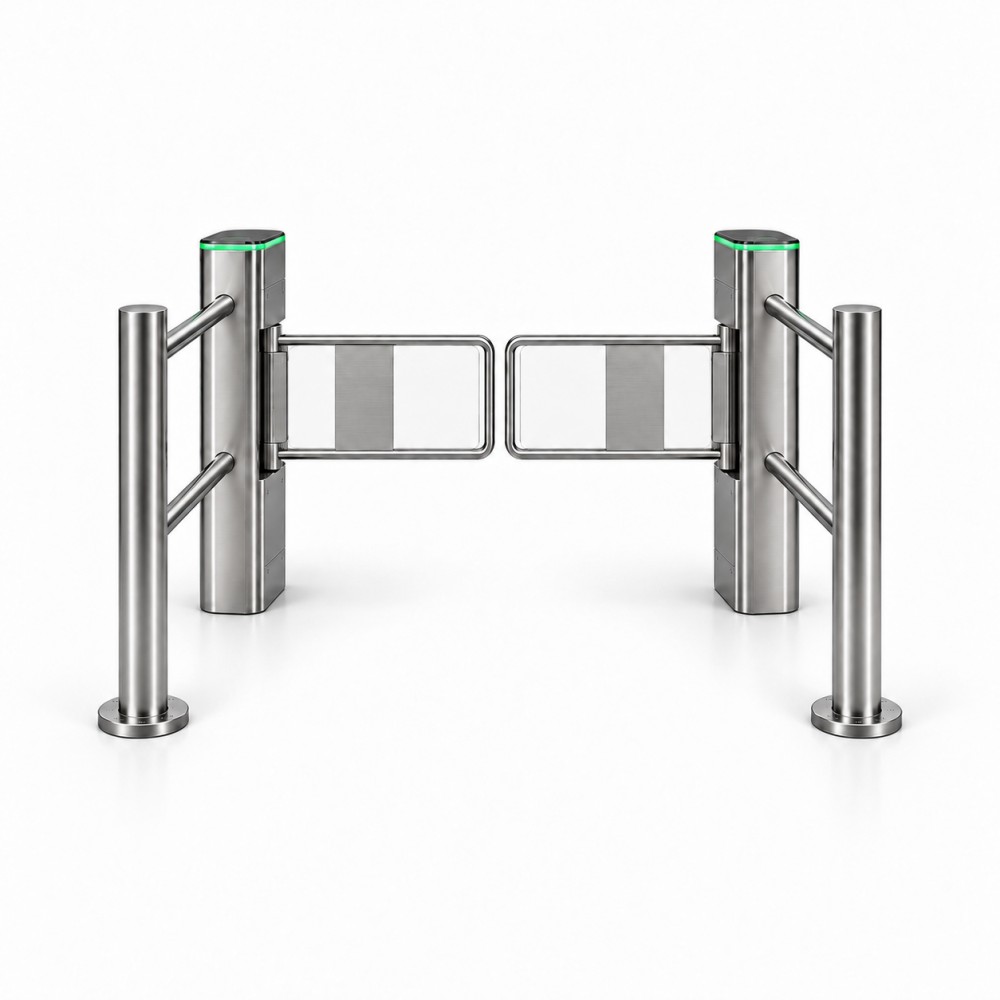
Flap-panel entrance lanes reviewed around traffic flow, safety logic and controlled-area requirements.
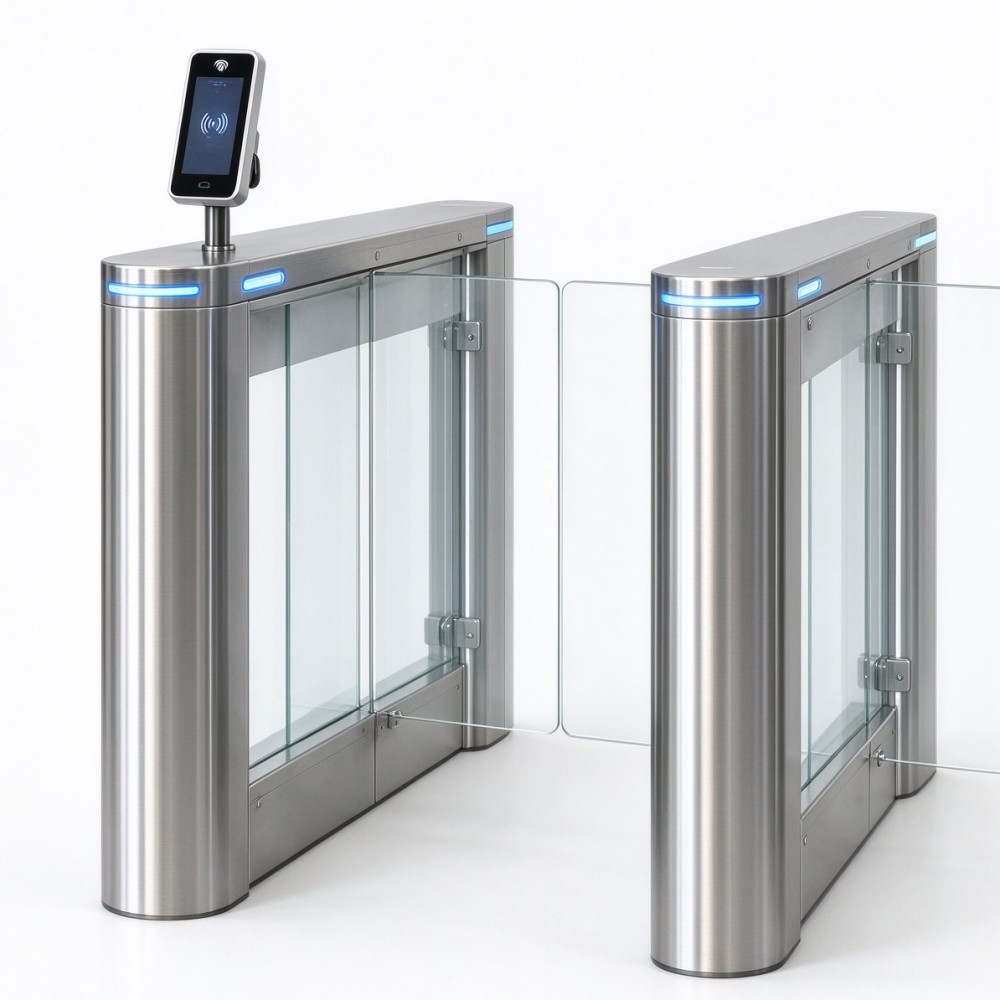
Product type
Optical pedestrian lanes for higher-flow entrances where detection and safe passage must be defined.
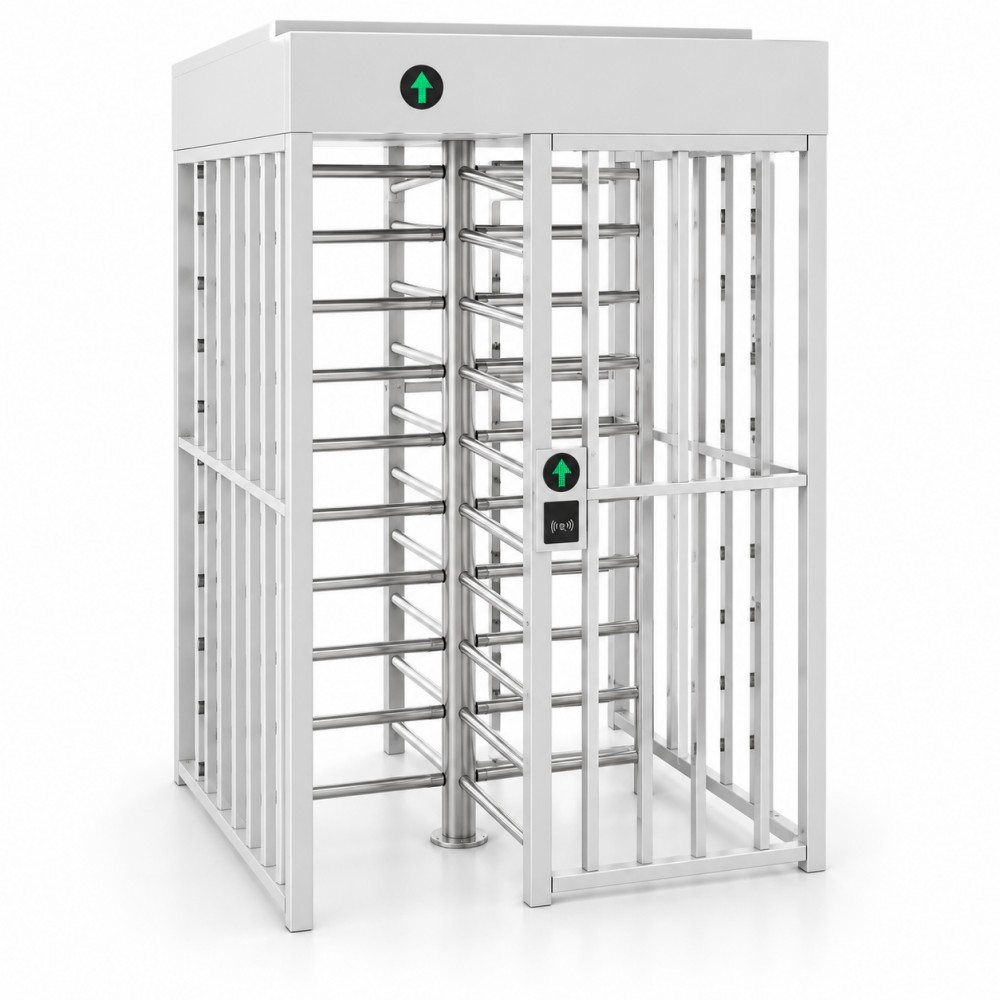
Product type
Full-height controlled-entry formats for perimeter and restricted-area applications.
Identification, ticketing and payment
Select the identification, entry, exit and payment equipment needed for the parking workflow without duplicating complete-system solution content.
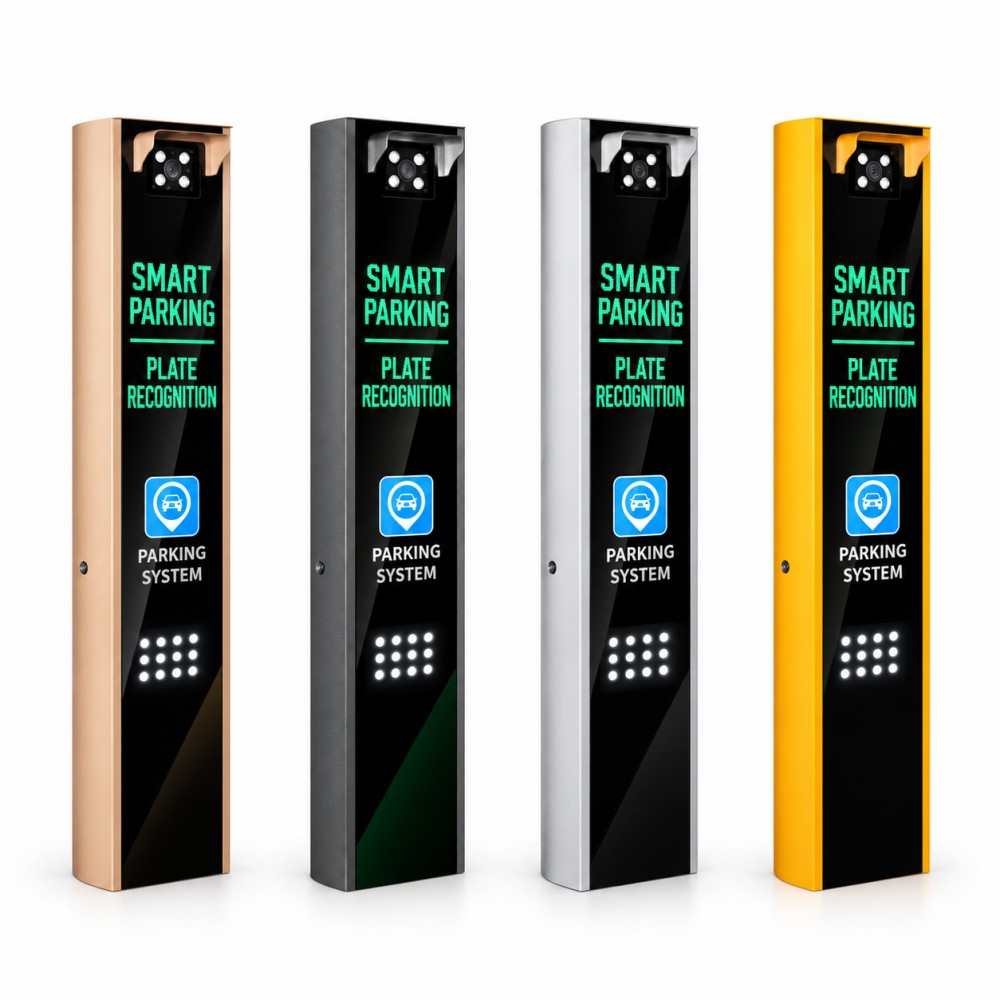
Product type
Lane-side terminals combining plate-recognition workflows with displays and entrance equipment options.
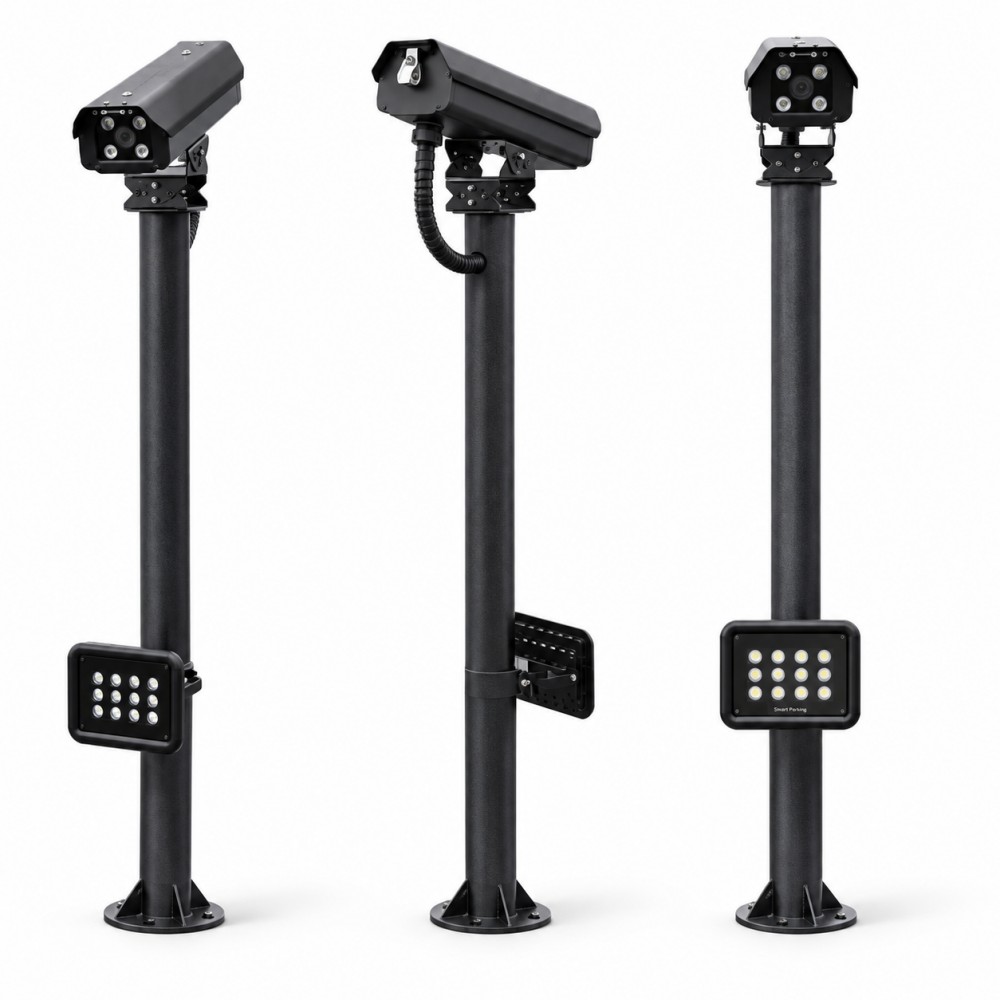
Product type
Plate-capture and recognition units reviewed around lane geometry, lighting and plate formats.
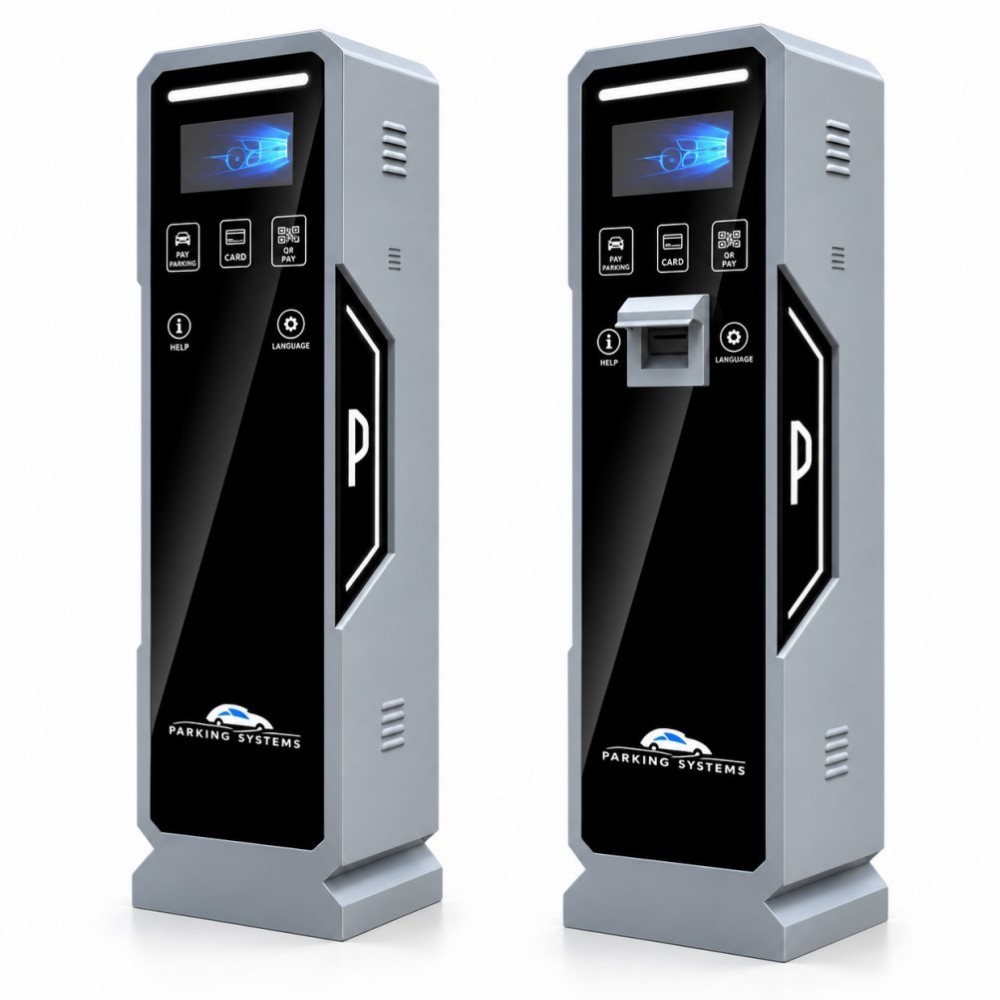
Product type
Entry and exit terminal equipment for soft-ticket and hard-ticket parking workflows.
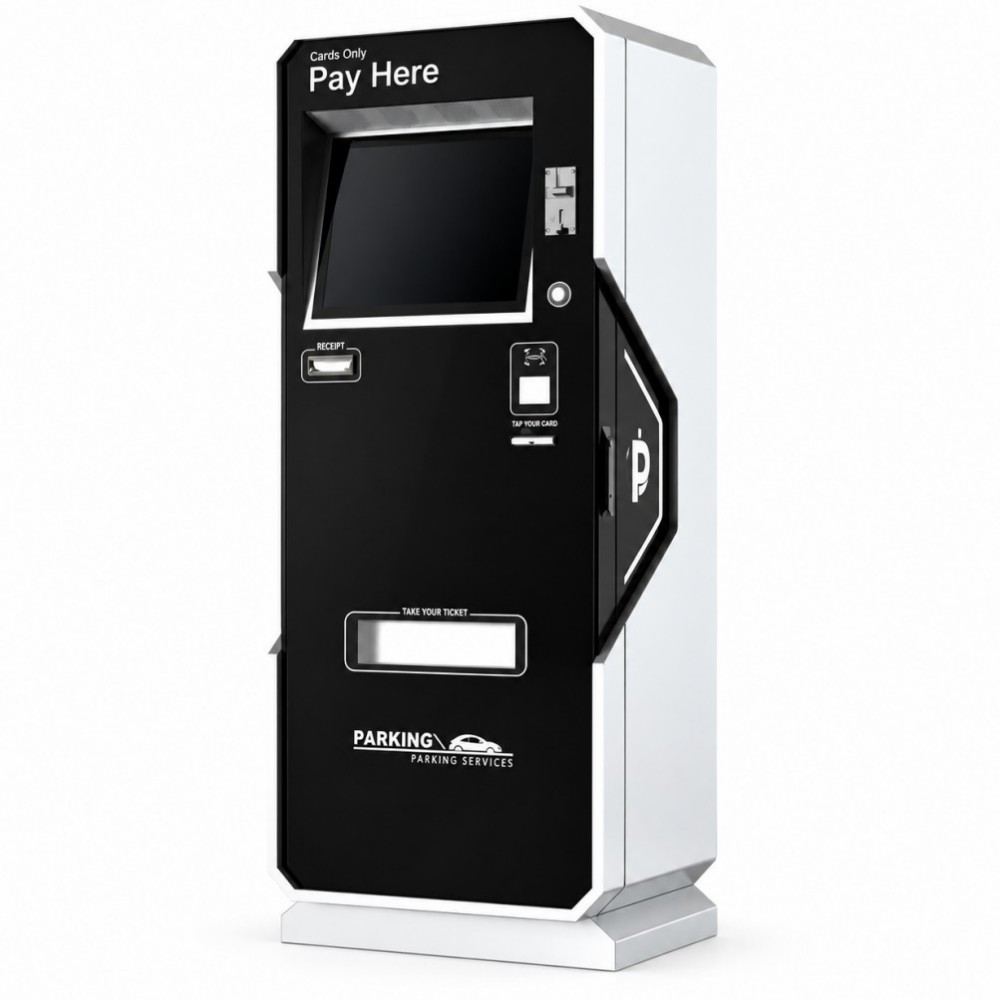
Product type
Self-service payment equipment reviewed against the destination, payment workflow and verified methods.
Motorcycle and e-bike access
Organise motorcycle and e-bike identification around the lane layout, registered users and the required reader or tag workflow.
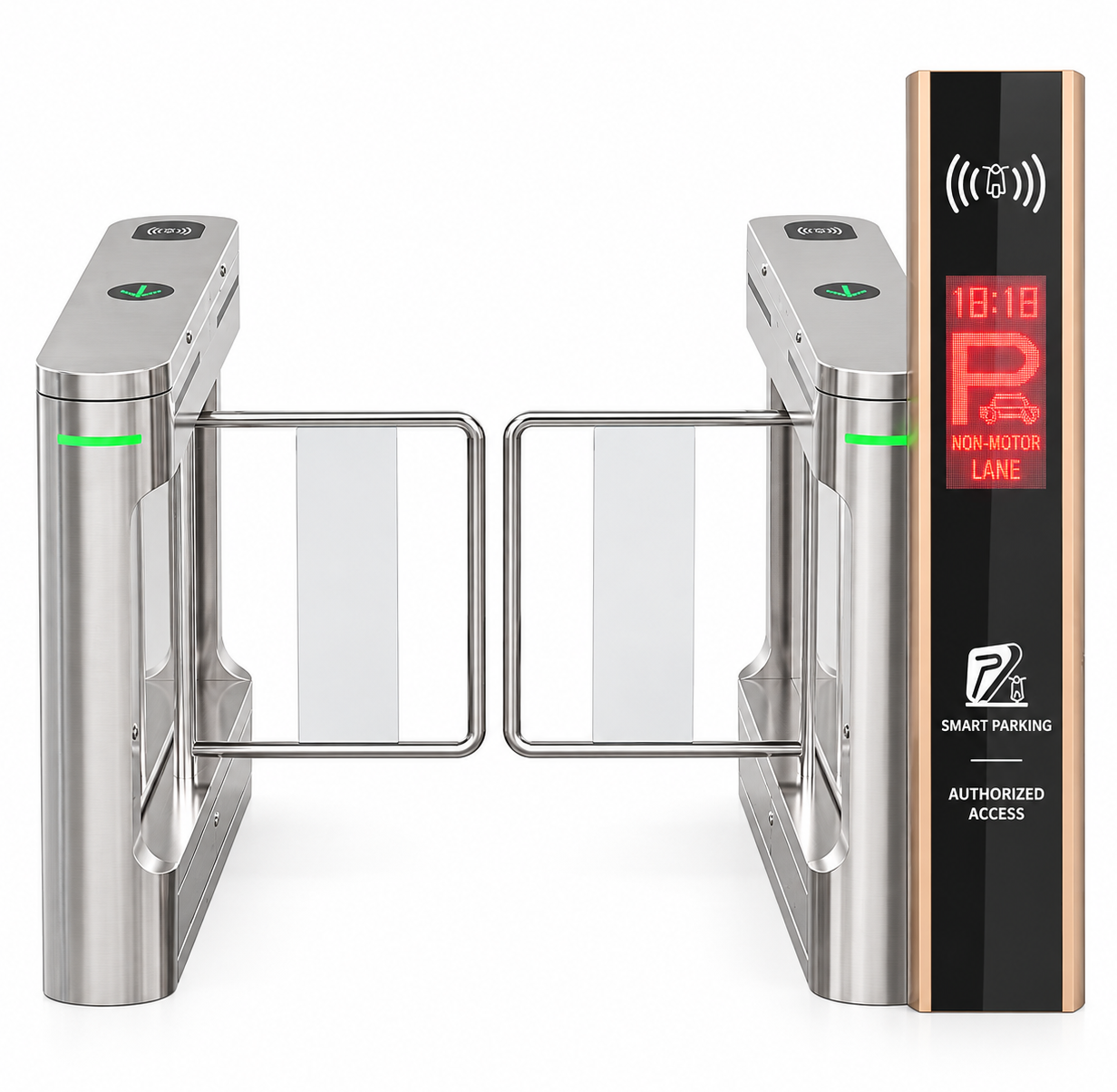
Product type
Dedicated terminal and reader-controller configurations for controlled two-wheeler lanes.
Space detection and driver guidance
Plan space detection, availability indication and central guidance around the parking layout and verified project requirements.
Product type
A project entry point for detection, guidance displays and management requirements; component models require confirmation.
Parking operations and records
Define the required users, events, permissions, operator workflow and reporting before confirming the software scope.
Product type
A requirements-led software entry point; modules, interfaces and delivery method are confirmed per project.
Project solutions
When a project requires a coordinated LPR, RFID, ticketing, payment and lane-control workflow, review the application-based system solutions rather than duplicating individual equipment categories.
Parking access product guide
This practical guide explains how parking access equipment works, how the main product families differ and which project information should be defined before a quotation. It supports product selection without assuming unverified models, interfaces or performance values.
Chapter 01
A parking access control system manages how vehicles or pedestrians are identified, authorised, admitted and recorded at an entrance or exit.
The system can be as simple as a manually controlled barrier gate, or it can connect plate recognition, RFID credentials, ticketing, payment, safety detection and management software. The correct scope depends on who uses the site, how access is approved and what must happen when a vehicle enters or leaves.
Commercial car parks may need visitor validation and payment. Residential communities usually prioritise registered users and visitor access. Offices, factories and logistics sites may need employee, fleet and delivery workflows. The purpose of the system should therefore be defined before individual equipment is selected.
Chapter 02
Each component performs a different task. A reliable design defines the signal and responsibility of every device before the lane is built.
Provides the physical vehicle-control point. The arm format, lane width, operating duty and site clearance shape the selection.
LPR/ANPR cameras, UHF RFID readers, tickets or supervised inputs determine which vehicle or user is requesting access.
Detection devices tell the controller where a vehicle is positioned and support safe passage and anti-collision logic.
Entry terminals, payment kiosks and POS devices support temporary parking workflows when access depends on validation or payment.
Software may manage users, permissions, events, images, transactions and reports. Required modules and interfaces must be confirmed per project.
Space detection, indicators and displays can guide drivers through a car park when the layout and available-space workflow require it.
Next step
Share the users, lanes, identification method, destination and required workflow so the appropriate product pages can be reviewed.
Chapter 03
Start with the lane and user journey, then choose the product family that performs each required function. A project may combine several lines, but their roles should not be duplicated.
| Product line | Primary role | Typical project question | Related planning |
|---|---|---|---|
| Automatic Boom Barrier Gates | Control vehicle passage at the lane | What lane width, boom format and operating duty are required? | Safety detection and identification method |
| Parking System Equipment | Identify users, issue credentials and support payment | How are vehicles recognised, validated or charged? | Entry, exit and operator workflow |
| Parking Guidance Systems | Detect availability and guide drivers | What areas, spaces and signs need to be monitored? | Parking layout and management connection |
| Turnstiles & Pedestrian Access | Control pedestrian passage | What security, accessibility and flow requirements apply? | Credential and emergency-release logic |
| Two-Wheeler Access Control | Manage motorcycles and e-bikes | How are riders and vehicles identified in the available lane? | Readers, tags and lane geometry |
| Parking Management Software | Manage rules, events and records | Which users, permissions, events and reports are needed? | Interfaces and deployment scope |
Chapter 04
The identification method determines how access starts. It should match the user type, traffic pattern, destination requirements and desired operator involvement.
| Method | Best suited to | How it works | Questions to confirm |
|---|---|---|---|
| LPR / ANPR | Visitors, mixed users and plate-based records | A camera captures the plate and the system compares or records the recognition result. | Plate formats, lane angle, lighting, network and approval logic |
| UHF RFID | Residents, staff and registered fleets | A reader detects an issued vehicle tag and sends the credential result to the controller. | Read zone, mounting, tag type, regional frequency and user issuance |
| Ticket or code | Temporary parking and visitor workflows | The entrance issues or accepts a temporary credential that is validated before exit. | Ticket format, validation point, lost-ticket handling and operator procedure |
| Payment terminal | Commercial parking and paid exit | Access or exit is released after a supported payment or validation event. | Payment methods, currency, local services, receipts and offline behaviour |
| Operator control | Supervised or exception-based sites | An operator reviews the user or event and releases the lane manually or through software. | Intercom, remote control, audit trail and fallback procedure |
Hybrid systems can combine methods—for example, LPR for visitors and RFID for residents—but the priority and fallback rules must be documented.
Next step
Share the users, lanes, identification method, destination and required workflow so the appropriate product pages can be reviewed.
Chapter 05
Barrier selection begins with the physical lane and operating requirement. A product name alone is not enough to define the appropriate configuration.
01
Measure clear width, overhead clearance, island size and mounting position.
02
Define user types, peak flow, opening frequency and supervision level.
03
Confirm the identification, controller, safety and operator commands.
Chapter 06
The barrier or gate is only one part of a safe lane. Detection positions, controller logic and fallback behaviour should be planned as a coordinated sequence.
01
Determine where the system must know that a vehicle or pedestrian is waiting, entering or clearing the controlled area.
02
Define which signal prevents or reverses closing and how conflicting sensor states are handled.
03
Document the order of identification, authorisation, opening, passage confirmation and closing.
04
Specify how authorised staff can operate the lane when automatic identification or communication is unavailable.
05
Agree whether the lane remains closed, opens, uses backup power or requires manual operation.
06
Coordinate vehicle and pedestrian access with the site’s emergency, accessibility and evacuation requirements.
Final safety devices and behaviour must be reviewed against the actual equipment configuration and local project requirements.
Next step
Share the users, lanes, identification method, destination and required workflow so the appropriate product pages can be reviewed.
Chapter 07
A complete lane connects identification, decision-making, safe physical access and records. Define who owns each decision and what happens when a device or connection is unavailable.
LPR/ANPR, RFID/UHF, ticket, payment or supervised input recognises the user or vehicle.
The controller or management software applies the access, validation or payment rule.
Vehicle or pedestrian detection supports safe lane operation and passage logic.
A barrier, turnstile or gate opens and closes according to the approved workflow.
Events, images, transactions and operator actions are retained according to the project scope.
An individual barrier, reader or terminal can be selected when the site already has a defined controller, wiring plan and operating workflow. Confirm the existing interface and physical mounting before choosing the replacement model.
For a new entrance, begin with the users, lane layout and identification method. Review vehicle detection, pedestrian safety, barrier commands, payment or ticketing needs, software records and the actions operators must take when a device is offline.
Equipment described with similar terms may still use different inputs, outputs, protocols or data formats. Share the proposed system diagram so we can review each connection and identify where configuration or custom development is needed.
A complete solution proposal should state which components and functions are included, who supplies each interface, and what must be tested on site. This gives your installation team a clearer scope for quotation, commissioning and future support.
Chapter 08
A concise project brief helps the product family, interfaces and documentation be reviewed without inventing specifications.
FAQ
Clear project inputs help match the equipment, configuration and documentation to the application.
Start with the lane users and operating workflow, then compare the equipment type, identification method, installation space and safety requirements.
Share the product type, quantity, destination, lane or site dimensions, operating workflow and required documentation. A drawing or brief helps us review the configuration.
Yes. Share the proposed branding, mechanical, electrical or software changes, target quantity and technical brief. We assess feasibility and confirm the development scope for the selected project.
MOQ depends on the model, configuration and customization. Send your selected product and target quantity so we can confirm the applicable minimum in the quotation.
Requirements differ by model and destination market. Tell us the standards you need so we can confirm the applicable product and available documentation before an offer.
The available manuals, wiring guidance, troubleshooting support and spare parts are confirmed for the selected product and project. Include your destination and support needs in the enquiry.
Project enquiry
Share the product, destination and project requirements. Our team will review the relevant product series and next steps.