Product type
Parking Management Software
A requirements-led software entry point; modules, interfaces and delivery method are confirmed per project.
Product model: ZB-PMS01
Parking operations and records
Define the required users, events, permissions, operator workflow and reporting before confirming the software scope.
About this product series
A clear category overview helps connect product choices to the real entrance, users and operating workflow.
Parking management software coordinates permissions, entry and exit events, operator actions and reporting across a parking operation. We help project buyers define the required users, sites, lanes, devices and workflows before a software scope is confirmed. The platform should reflect how the facility actually operates, including exceptions, manual decisions, payment rules and data responsibilities. This page explains the functional areas that should be reviewed and the information needed to match software with connected parking equipment.
Product types
Compare the available product paths. Confirmed model numbers and final technical data will be added after the product records are approved.
Product type
A requirements-led software entry point; modules, interfaces and delivery method are confirmed per project.
Product model: ZB-PMS01
Selection overview
Use these points to narrow the product path before confirming an individual model.
Software overview
The F6 parking management platform brings together vehicle entry and exit activity, parking permissions, passage records, fee rules and operator tasks. Its Web administration interface provides a place to review how lanes, users and connected devices work within a parking site.
Available modules, device connections and the deployment method are confirmed against each project’s equipment and operating requirements.
Core software functions
Select the functions needed for the site’s access policy, charging workflow and operator responsibilities. Final modules depend on the agreed software version and connected devices.
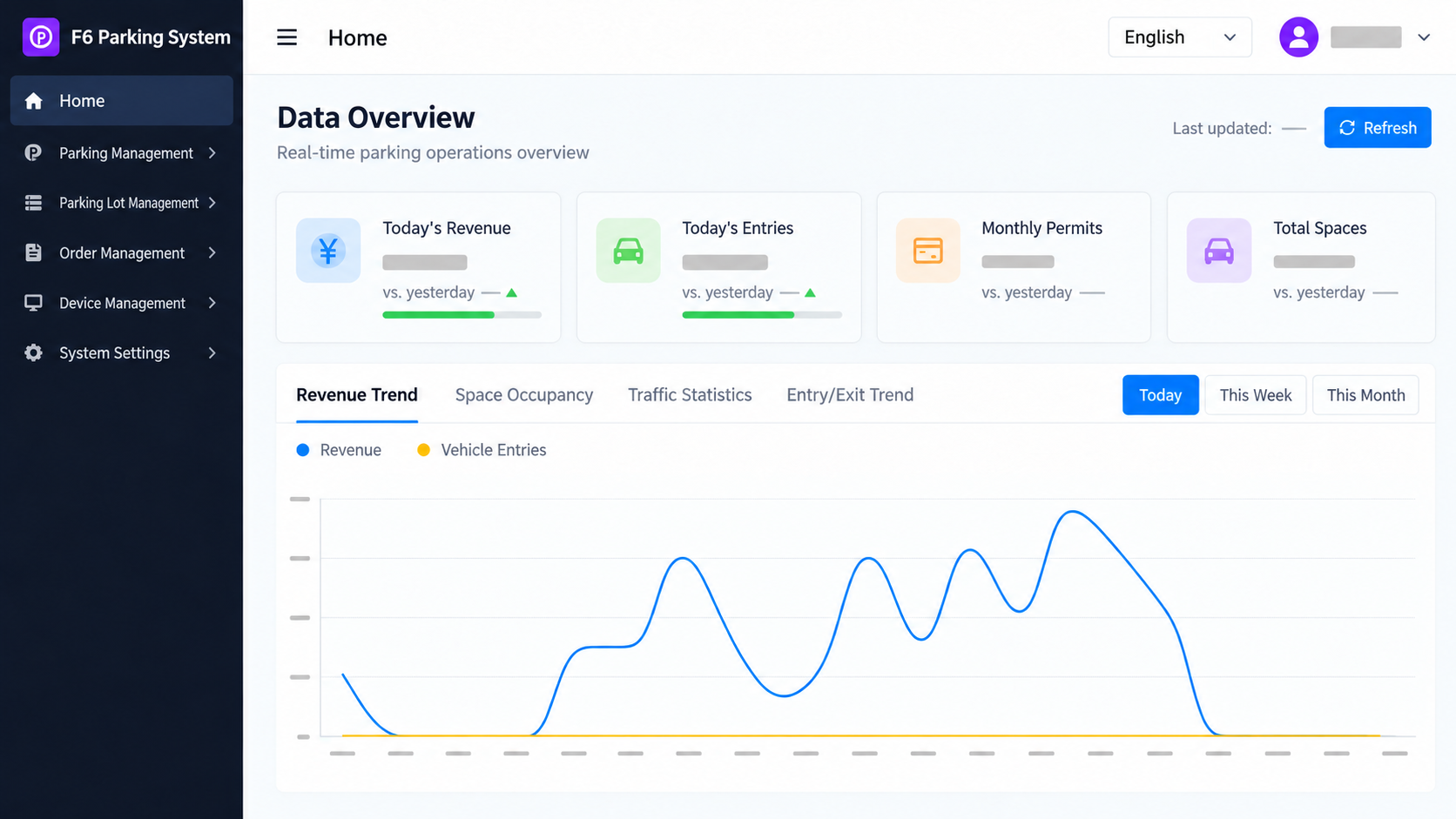
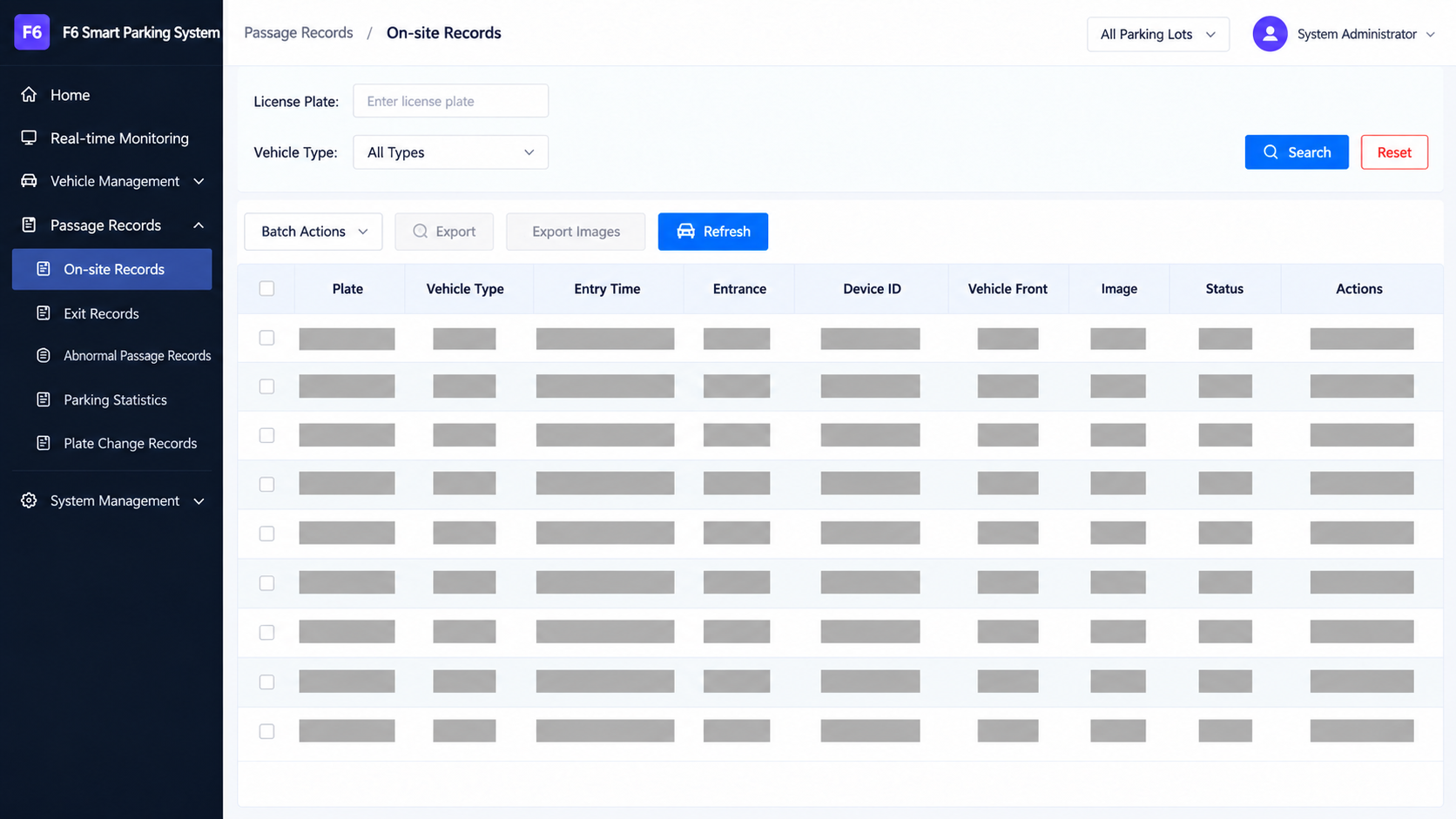
Search parking and passage records by vehicle, lane and time, with entry and exit event details available to authorized operators.
Use plate recognition events in the entry and exit workflow and configure supported cameras and lane relationships for the installation.
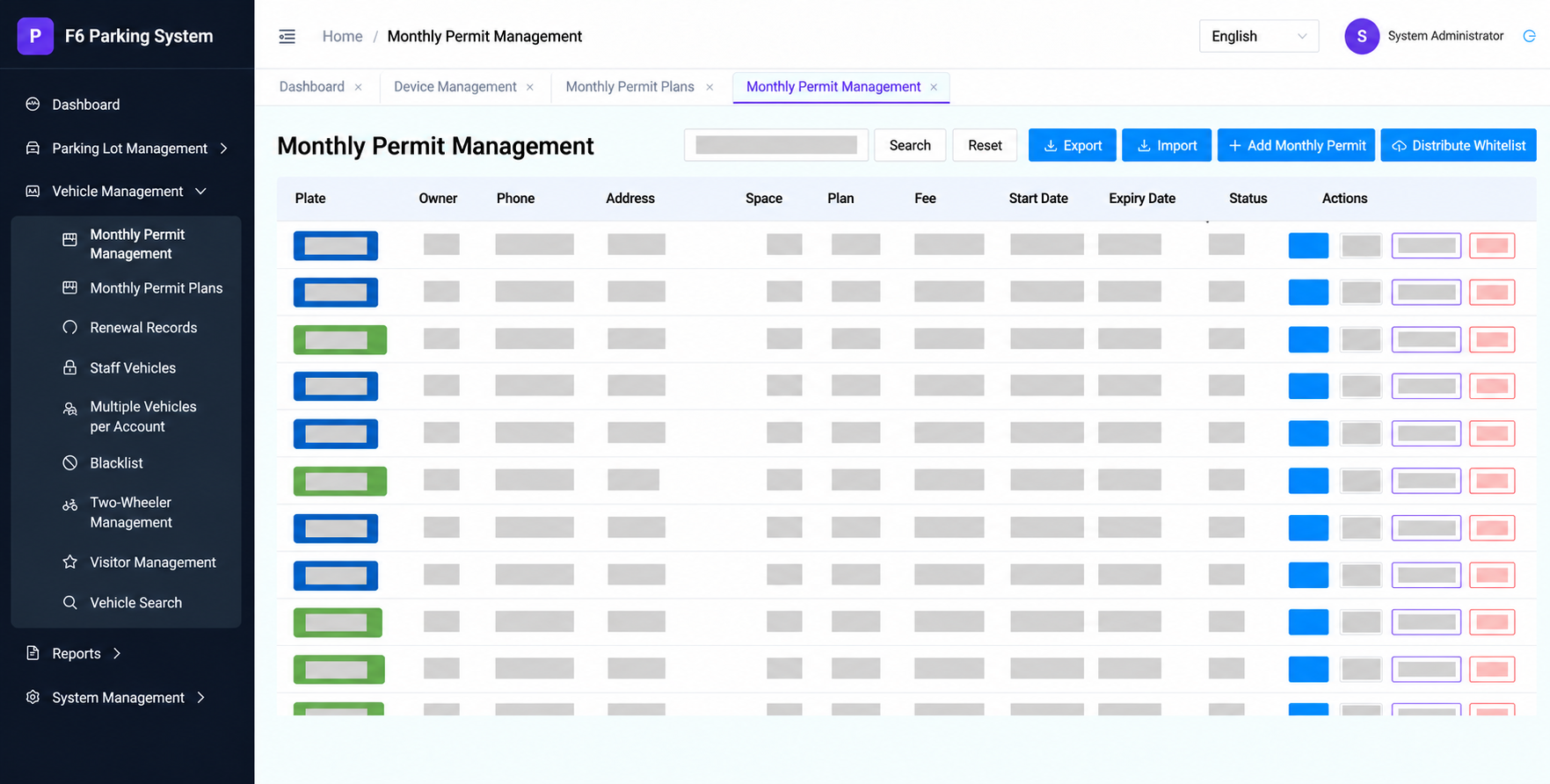
Register authorized plates and distribute whitelist changes to configured online devices.
Register permit vehicles, manage renewals and import or export monthly permit data.
Define parking fee rules and review related charges within the configured parking workflow.
Create operator accounts and assign access rights to functions and records according to project roles.
Configure lanes and connected equipment, including camera and device settings relevant to the site.
System integration
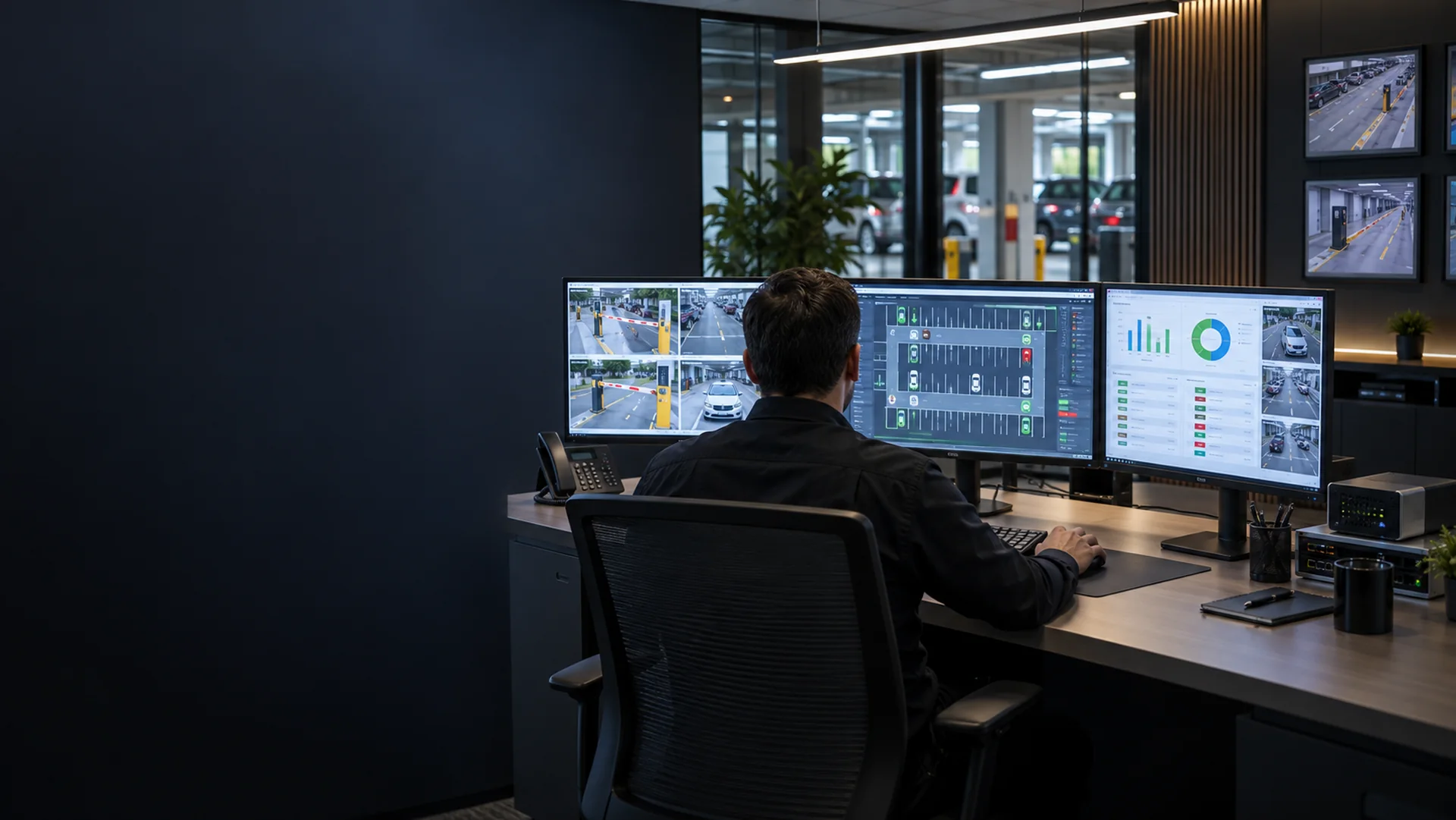
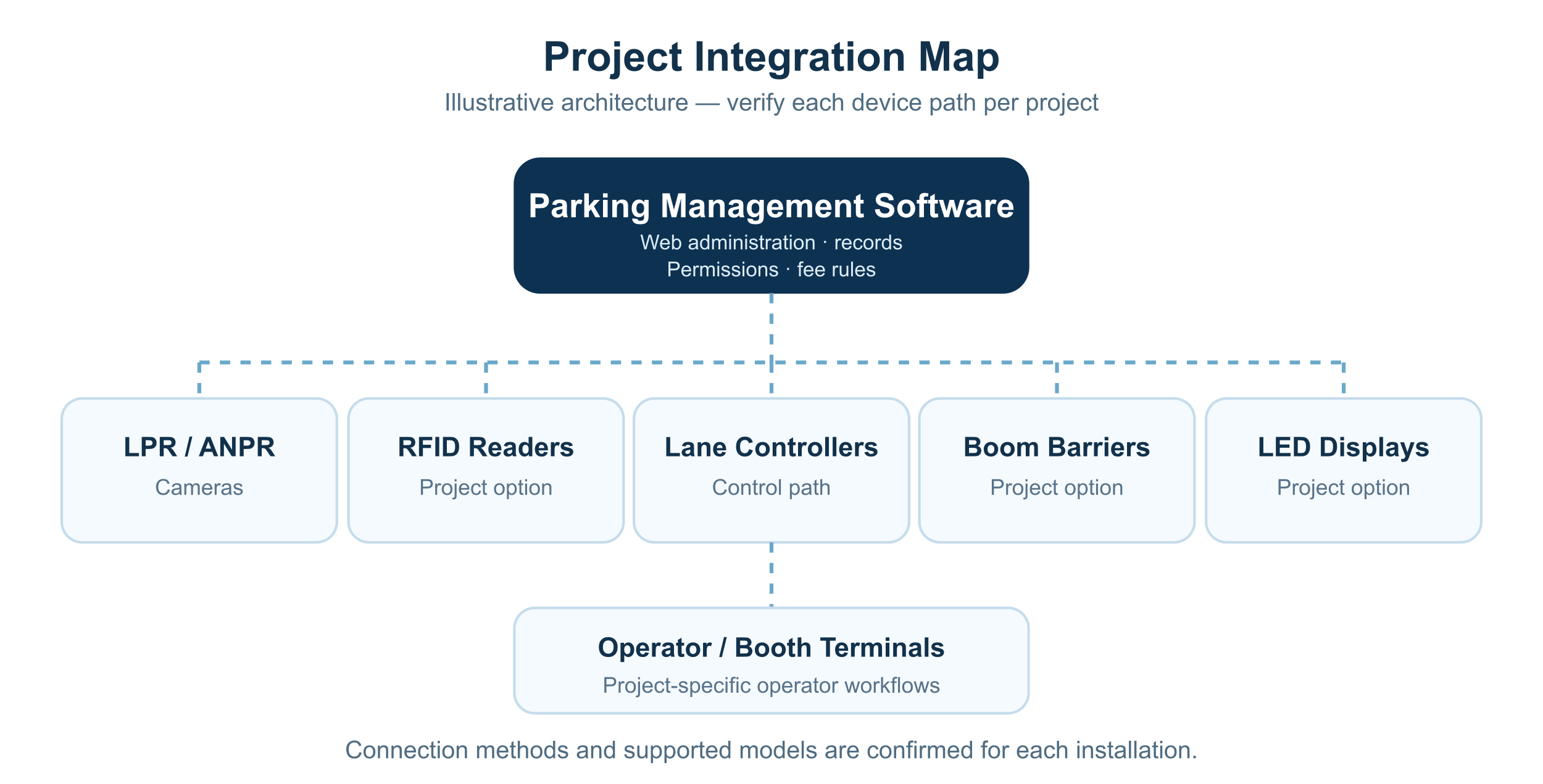
In an approved configuration, the platform can coordinate selected LPR/ANPR cameras, RFID readers, LED display controls and operator terminals through the project’s device communication layer. Lane controllers and boom barrier gates are mapped to the required entry and exit decisions. Each device model, communication path and control behavior is verified during engineering review.
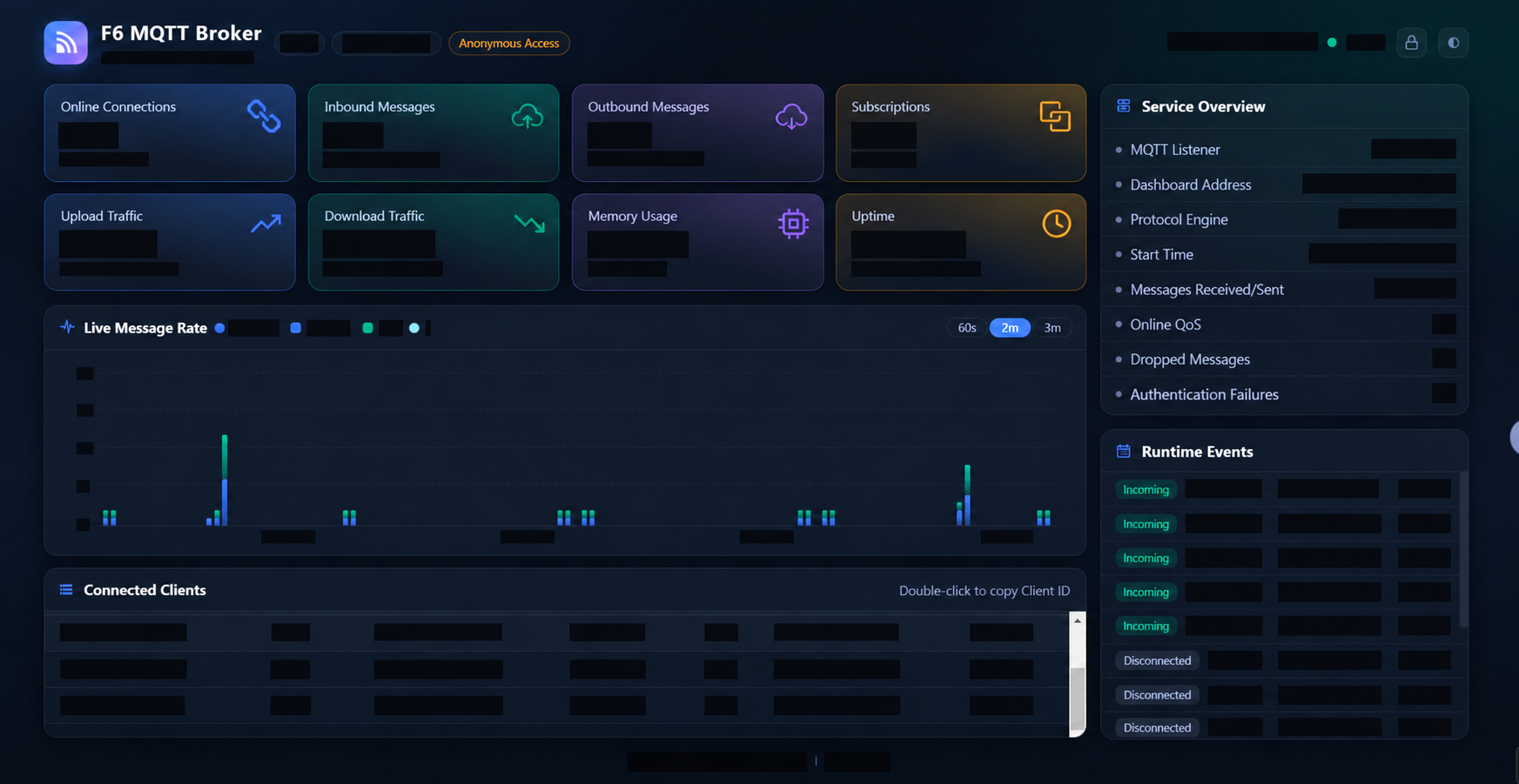
Where the MQTT message service is part of the approved architecture, its monitoring view can help authorized operators review connected clients and message activity.
Device messaging, supported models and monitoring access are confirmed for each engineering configuration.
Deployment options
Cloud-hosted, local-server and industrial-box forms can be evaluated against the project’s network, storage, equipment and support requirements. Availability and sizing are confirmed per project.
Centralized management from cloud-hosted infrastructure may suit projects that require coordinated operation across sites, subject to connectivity and data requirements.
Install the platform on a site PC or server with local data storage where the parking operation requires local control.
An integrated industrial box with F6 software preinstalled can be evaluated for suitable edge installations.
These are documented options, not a commitment that every configuration supports all three.
Product knowledge
Understand the differences, system relationships and selection logic before comparing individual models.
01
Administrators, operators, security staff and finance users may require different access to functions and records.
02
Lost credentials, unreadable plates, offline devices and manual release need clear operating procedures.
03
Device protocols, external databases, payment services and APIs should be documented and verified before delivery.
How it works
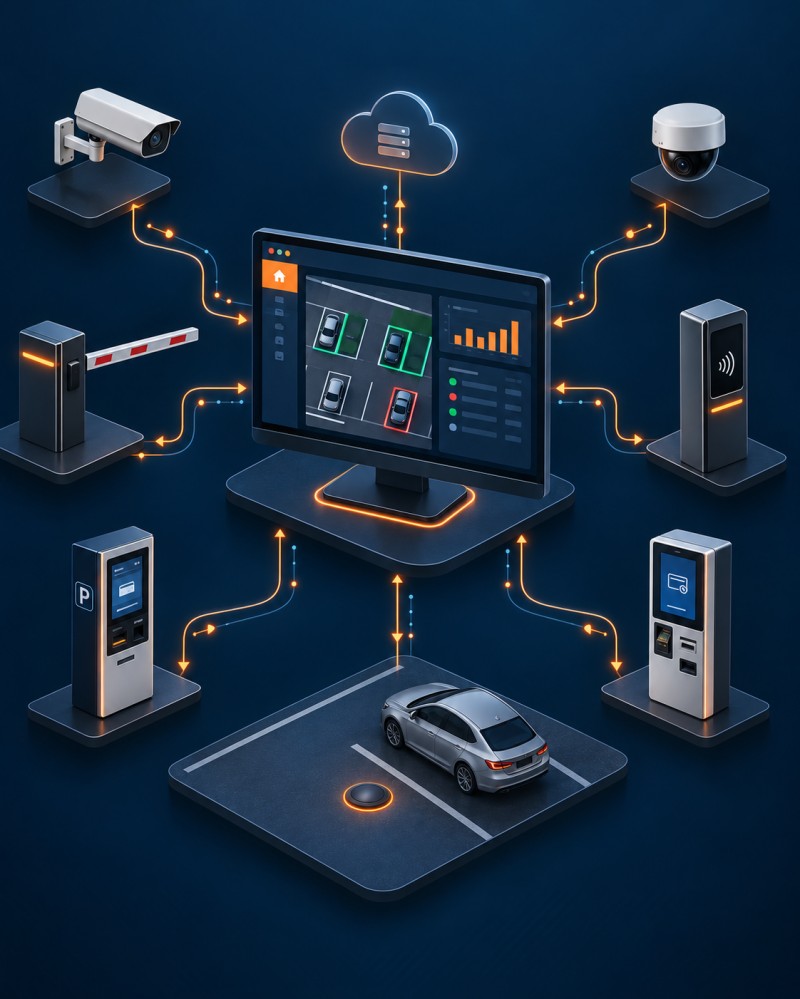
This workflow explains the typical sequence. The exact devices and control logic depend on the confirmed configuration.
01
Connected cameras, readers, terminals and operators generate vehicle, user and device events.
02
Permissions, parking policies or payment status determine the next action in the workflow.
03
The platform or lane controller sends commands to barriers, displays and connected equipment.
04
Authorised users search records, manage exceptions and produce project-defined reports.
Applications
Match the product family to the users, traffic and operating priorities of the site.
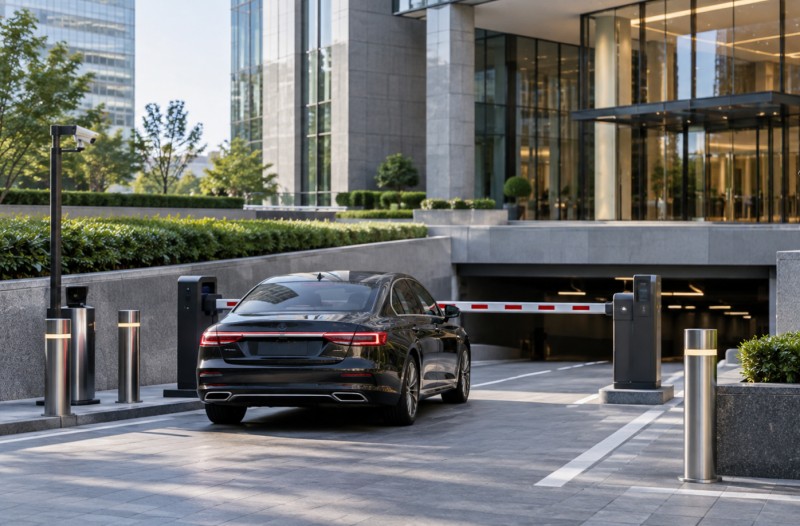
Manage visitors, tenants, tariffs and operator exceptions.
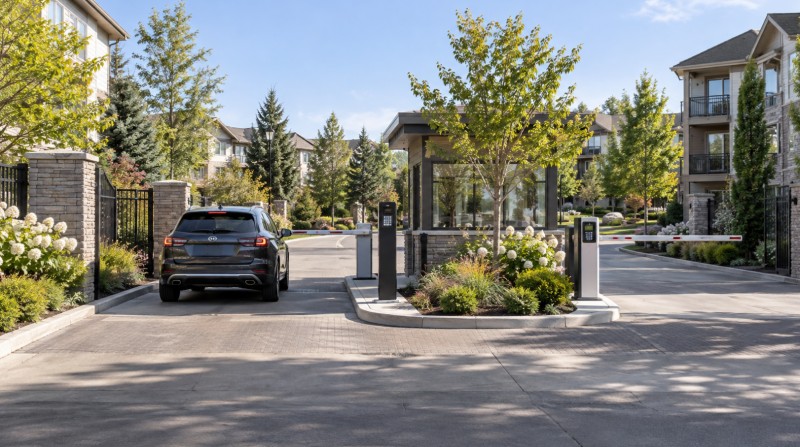
Maintain authorised vehicles and time-based permissions.
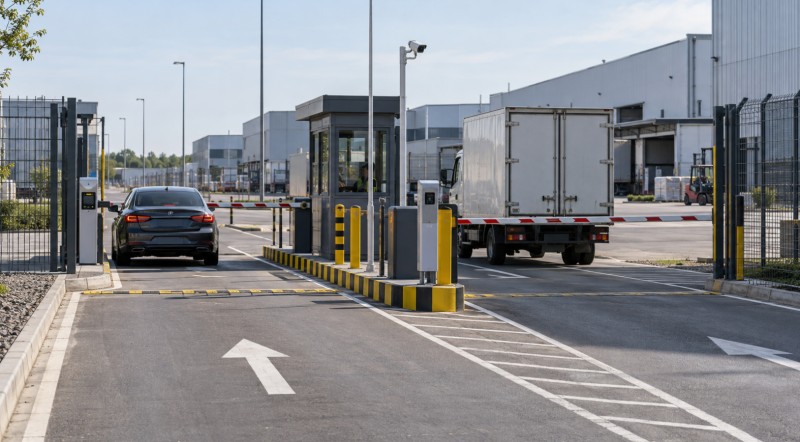
Record fleet, contractor and delivery access across controlled lanes.
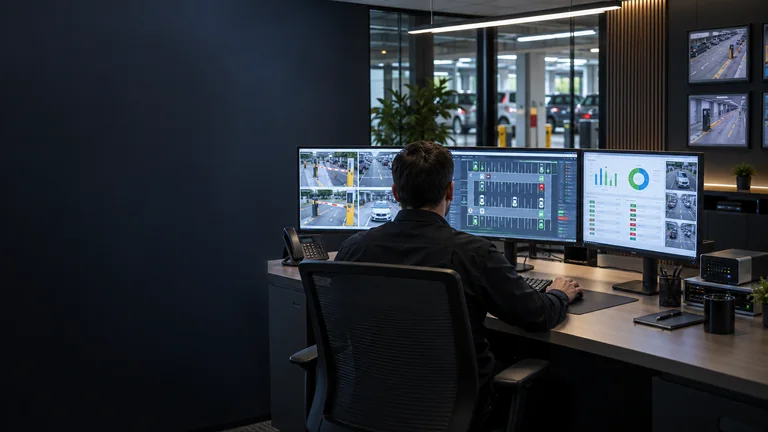
Coordinate users, devices and reporting across more than one location.
FAQ
Answers to common questions that arise before product selection and quotation.
Deployment depends on the confirmed product version, project infrastructure and data requirements.
Compatibility with cameras, readers, barriers, payment devices and third-party systems must be verified.
Role-based access may be defined according to the confirmed software scope and operating workflow.
Required event, occupancy, transaction and audit reports should be listed before the software scope is agreed.
Share the number of sites and lanes, users, connected devices, workflows, integrations, reports and deployment expectations.
Project enquiry
Share the basic application and project requirements. Our team will review the information and follow up on a suitable product path.
More products
Continue comparing our product families for vehicle, pedestrian and parking-management projects.